SYMPTOM:
Unknown runtime Error “Maximum number of interactive session per user for project exceeded” occurred due to abnormal session increase when choosing a project in Project list page in Strategy Web 9.x and 10.x

At the same time, the abnormal session increase can be confirmed in Developer-User connection monitor:
Although end user didn’t perform log-in multiple times, the session related to this user would be continuously created until it reaches the up limit of total session per user per project, which is by default set to 20.
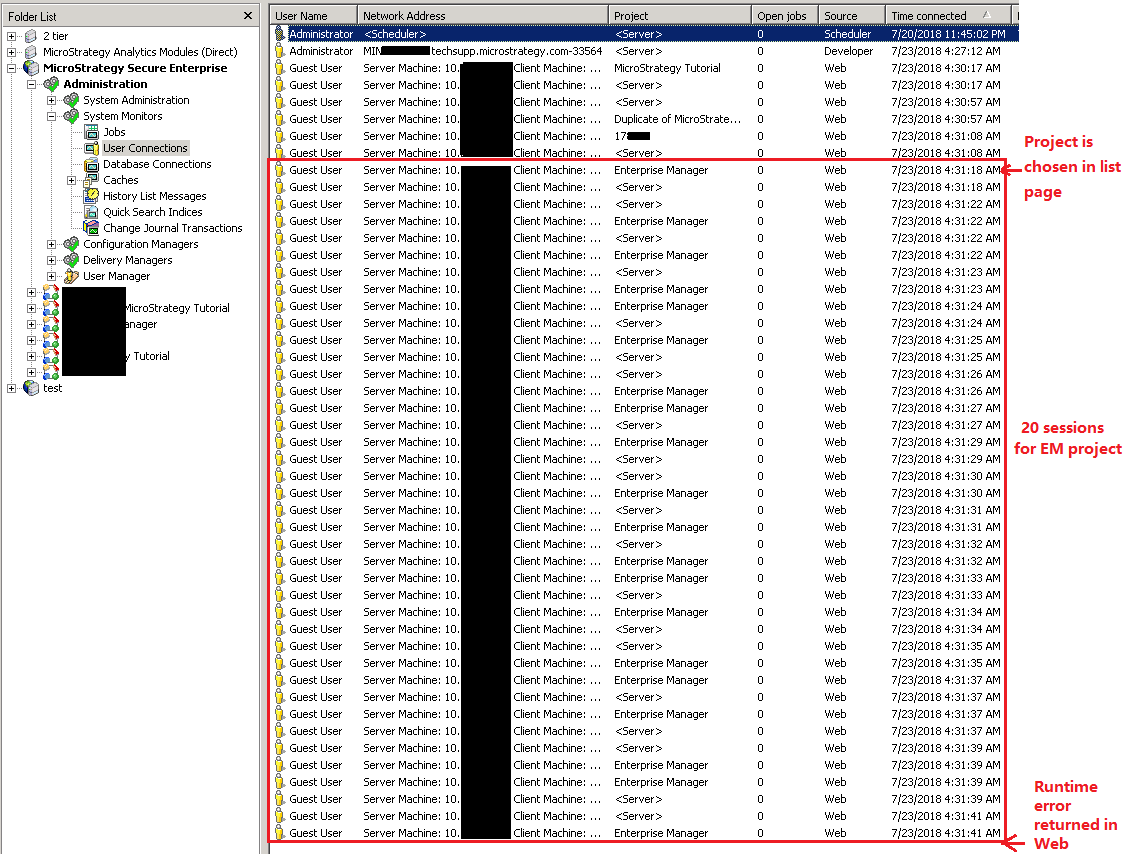
Below steps are identified to reproduce this issue:
1.Log in Web
2.Nagivate through different projects by choosing project in Project list page and then returning to Project list page repeatedly.
3.When 4th or 5th project is navigated, the web page is locked as below:
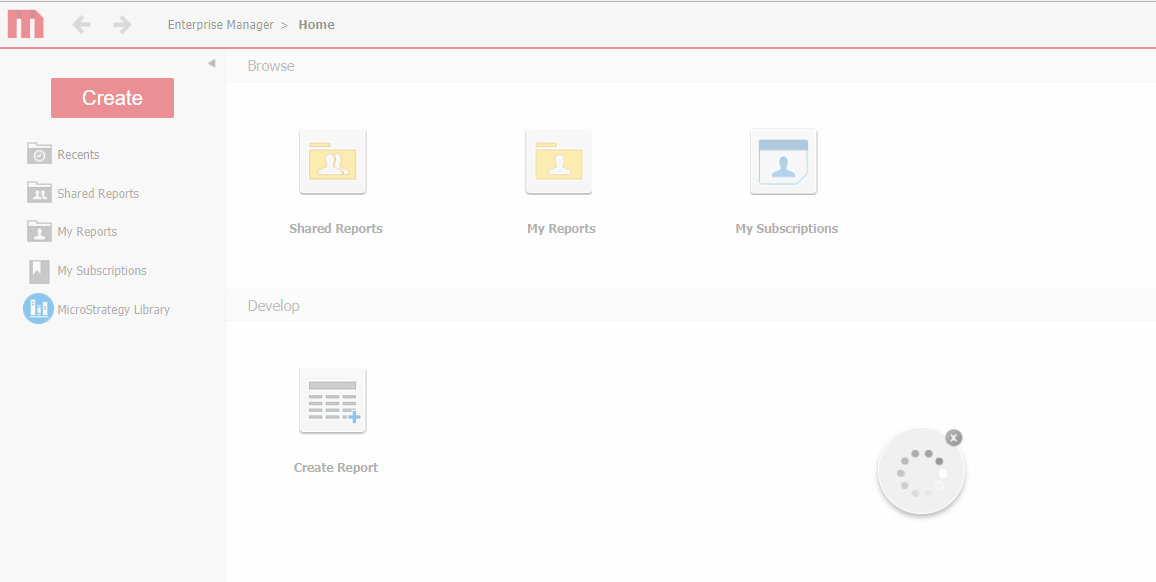
it behaves as Web is trying to log in again and again.
4.After a while, the runtime error will be returned for this user.
CAUSE
This is per design if below options are enabled at the same time:
1.Web Admin page-Default properties: Project list: Login, then show the projects accessible by the supplied login
2.Web Admin page-Security: Store Strategy Intelligence Server sessions information in temporary cookies instead of on the Web Server.
Please refer to KB274573 for the behavior about above Option 2 when navigating through multiple projects.
Due to cookie size limitation, the last project login information could not be updated to cookie.
https://community.Strategy.com/s/article/KB274573-Additional-project-sessions-are-created-by-users
If above Option 1 is enabled at the same time, Web side would repeatedly send the request to create session to Intelligence Serve.
And each request actually succeeds.
Finally, the runtime error would show up when the number of sessions created on Intelligence Server side exceeds the project limit.
Note:
Although KB274573 mentions about 5th project, this issue might happen to 4th project as well.
ACTION
Same to KB274573, disable the session cookie on the Web Administration page > Security > Cookies Security Level > "Store Strategy Intelligence Server session information in temporary cookies instead of on the Web Server"
Note:
For option1, if Show project first has been enabled, the issue symptom would be slightly different. After logging into 4th or 5th project with correct user name and password, login window will pop up again to request for credential. Actually on Intelligence server side, the session has been set up successfully. When this login is repeated 20 times manually, the same runtime error will occur as well.
KB441413
