Starting with the release of Strategy ONE (March 2024), dossiers are also known as dashboards.
Beginning in Strategy 10.6, a new micro-service called Strategy PDF Exporter (also known as New Export Engine or NEE) has been added to support exporting from Visual Insight / Dossier to PDF format. This service runs as a separate process that will be automatically installed, configured, and started during Intelligence Server installation and which can be controlled independently of the main Intelligence Server process. This Knowledge Base article will describe how to manually start, stop, and check the status of the service.
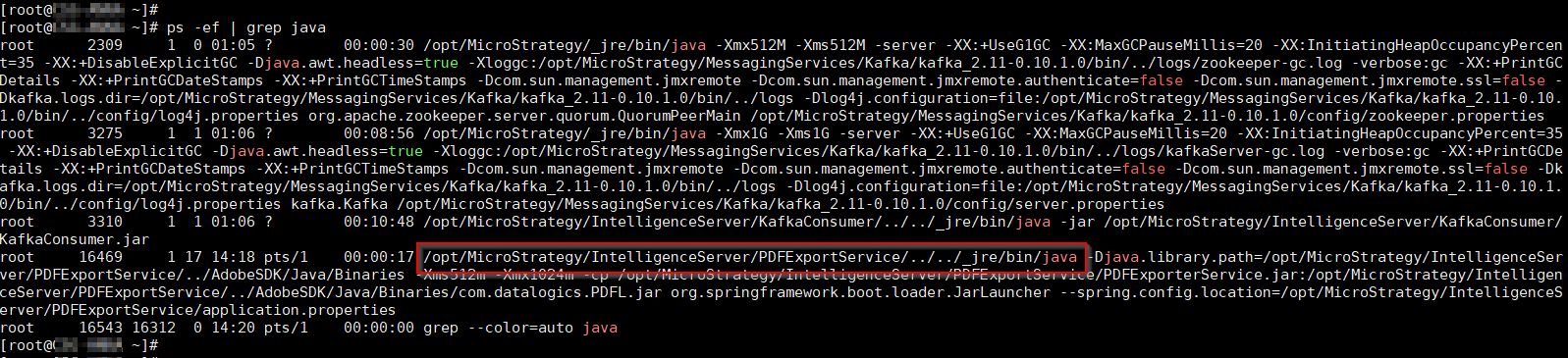
Strategy PDF Exporter is a Java-based process, so when viewing a list of running processes as in with the ps command it will show up as a java executable. The full path of the executable will contain a subdirectory named PDFExportService, so this can be used to distinguish the process from other java processes.
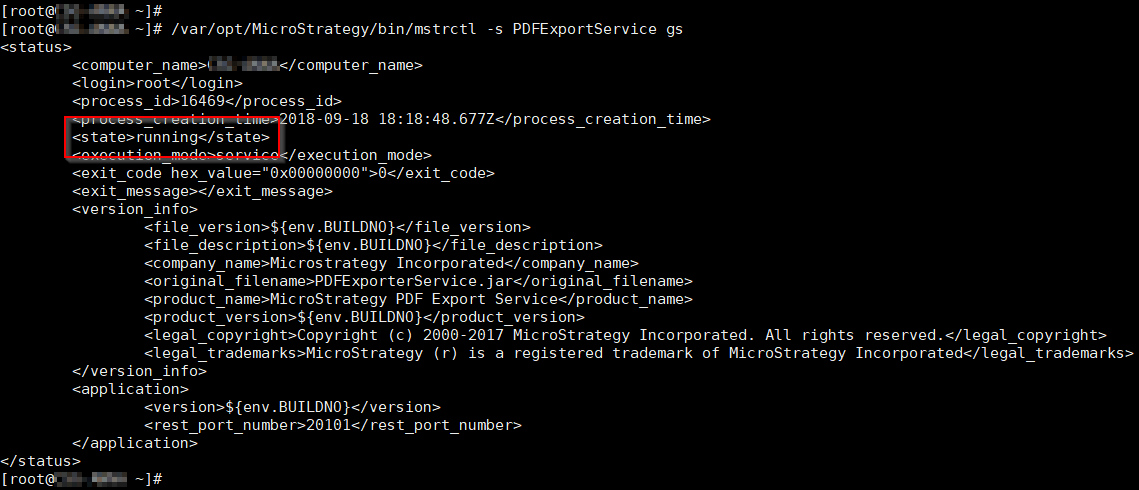
To check the status of the service, the mstrctl command can be used as with the Intelligence Server process.
# <MSTR_HOME>/bin/mstrctl -s PDFExportService gs
Similarly, the service may be stopped and started with the mstrctl command.
# <MSTR_HOME>/bin/mstrctl -s PDFExportService stop
# <MSTR_HOME>/bin/mstrctl -s PDFExportService start
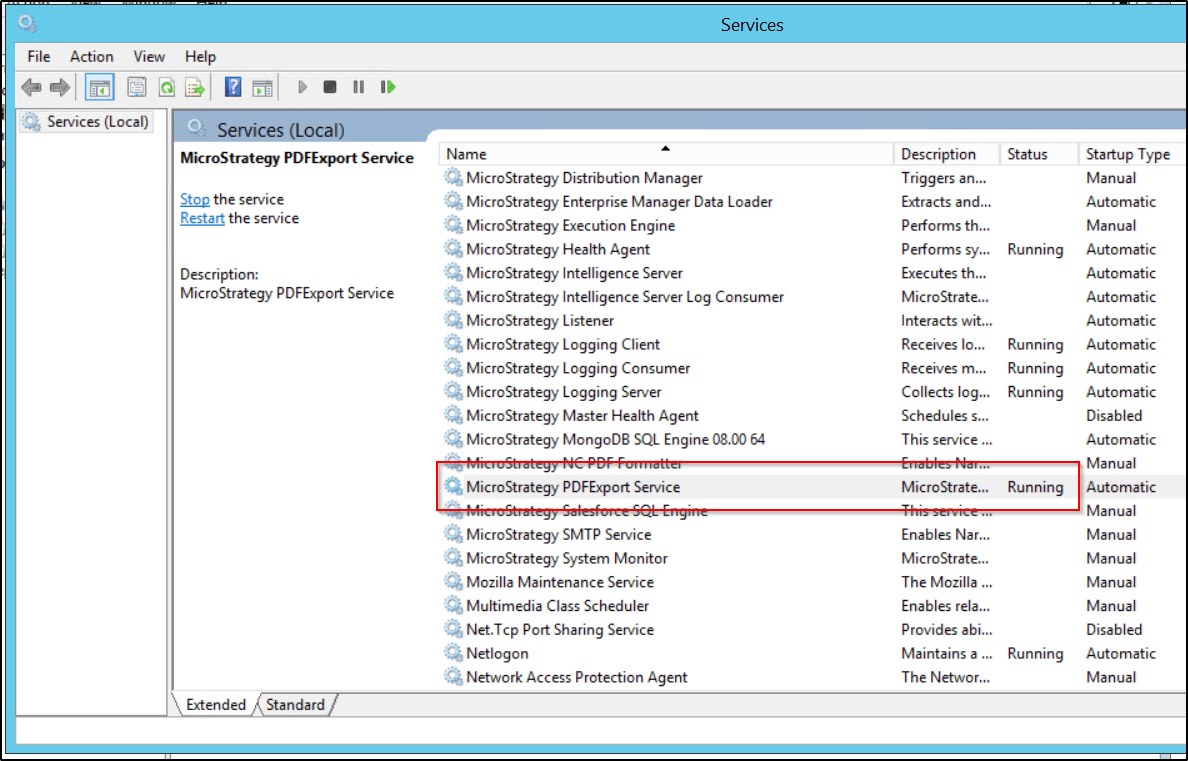
On Windows, the PDF Exporter service is controlled through the Windows Services dialog (services.msc). The name (and short name) of the service is:
Strategy PDFExport Service (MSTR_PDFExport)
The service can be started and stopped using the controls provided by the Windows Services dialog.
As with Linux, the PDF Exporter service can also be controlled by Strategy Service Manager in Strategy 10.11 and higher versions.
KB441811
