In Strategy Web, users may encounter unexpected behavior when running a document containing a Google Map widget. This particular error occurs in Presentation view mode:
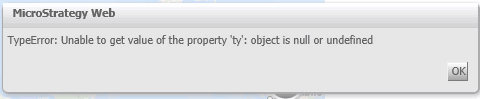
TypeError: Unable to get value of the property 'ty': object is null or undefined
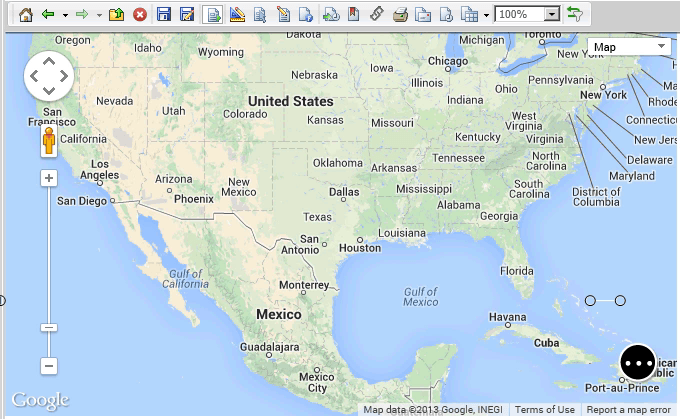
Required: Google Maps has already been deployed by following KB36062: How to deploy and configure the Google Maps connector plugin in MicroStrategy Web 9.x


This is a known issue in Strategy. The impact is limited to documents in Strategy Web using the Google Map widget, when the widget contains no metrics.
Insert at least one metric within the column section of the Map widget grid in Design or Editable view mode.
Uncheck the "Apply color formatting to map" option within the widget properties. This setting is shown below.

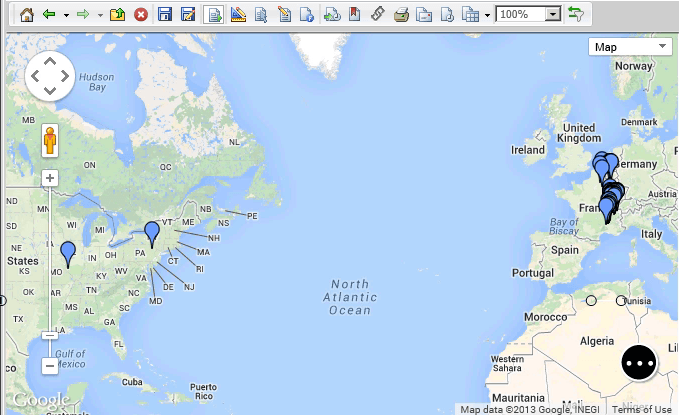
Either of the above workarounds will display the Google Map widget without error.
KB36062: How to deploy and configure the Google Maps connector plugin
Strategy GIS Integration Help: Integration with Google Maps
