Starting with the release of Strategy ONE (March 2024), dossiers are also known as dashboards.
Strategy Web or Strategy Library may display an error message just containing empty parentheses.
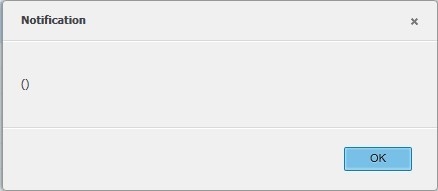
These errors usually indicate that error handling is not passing the underlying error to the front-end. To locate the root cause of the error, you must cross reference with the server side Strategy logs, which are the Web or Library log and Strategy Intelligence Server DSSErrors.log.
It's recommended to collect the following log files to provide to Technical Support:
In a clustered environment, provide logs from all nodes or ensure the log is collected from the node that hosts the session. Additionally, ensure that the logs cover the time or reproduction.
The following sections describe known occurrences of the () error and indicate workarounds or provide the release in which the issue has been addressed.
Actions that cause () error:
When submitting a created transaction with the Allow submission without modification property enabled, the () error appears in Web.
In the DSSErrors.log, it may say:
[HOST:esld22799][SERVER:CastorServer][PID:34507][THR:140388196919040][Kernel][Error] XMLRebuildDocument: PreRebuildDocument failed with error -2147467259, return original Message ID 6F2F964D11E788A308EA0080EF855B5D
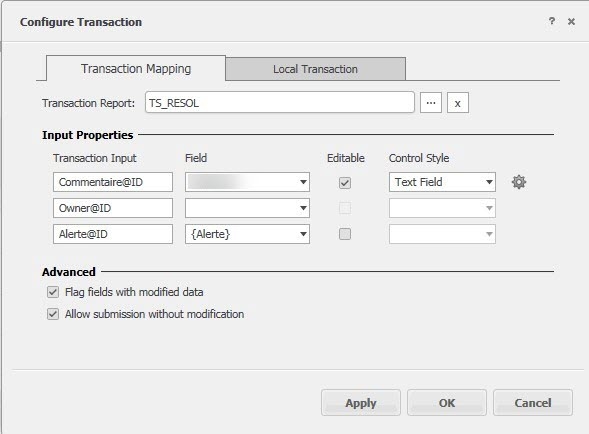
This is a known defect in versions of Strategy prior to 10.9.
This defect is addressed and fixed in Strategy 10.9. Upgrade to Strategy 10.9 or later to take advantage of the fix.
In the short-term, avoid using the Allow submission without modification property. Disabling this property can resolve the issue.
Clicking the Save As button on a dossier causes the () error to appear.
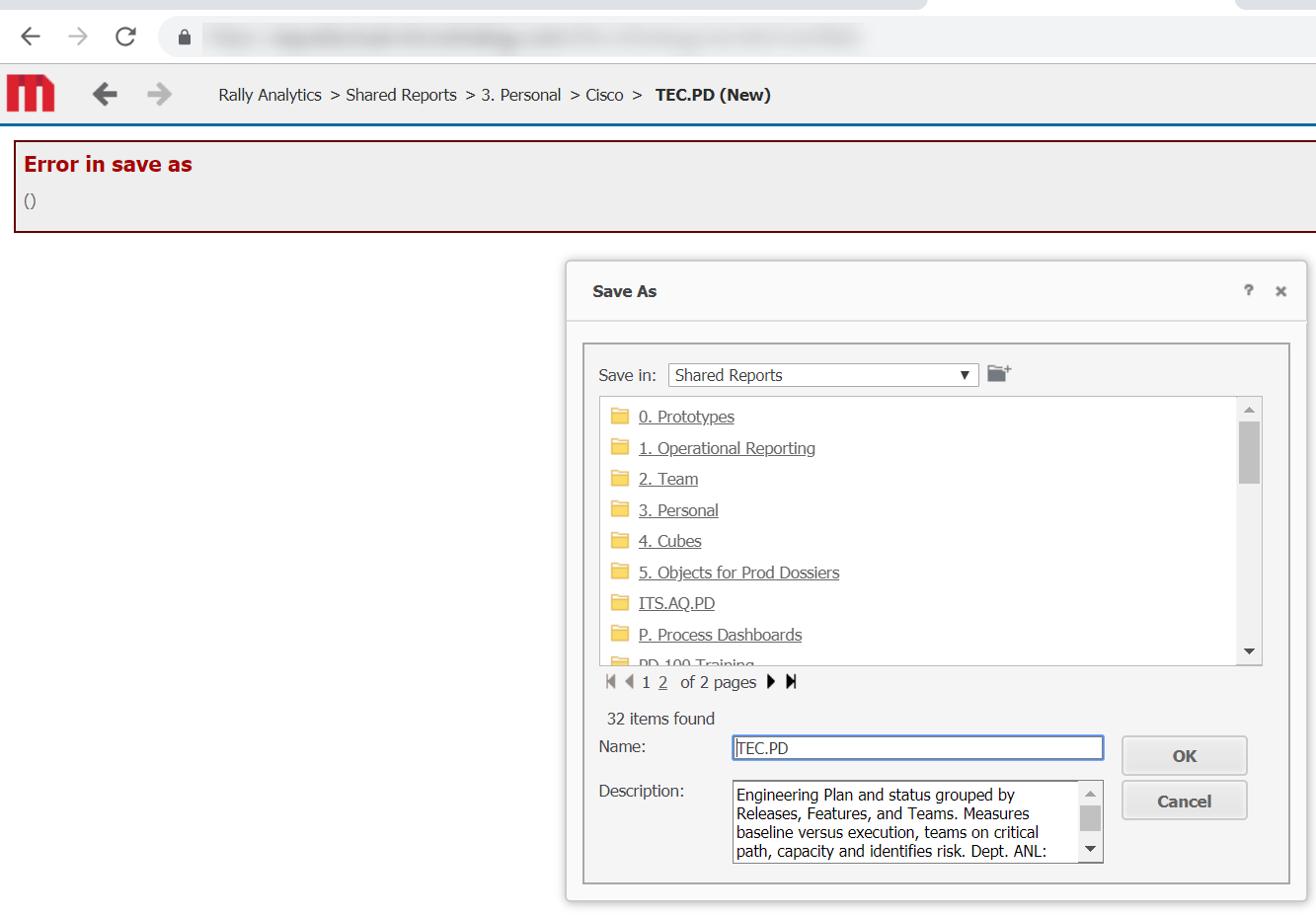
This is a known defect in Strategy 2019.
This defect is addressed and fixed in Strategy 2019 Update 1. Upgrade to Strategy Update 1 or later to take advantage of the fix.
If this error appeared in Strategy 10.1, view KB275989: “Error in save as” error received when using ‘Save As’ in MicroStrategy Web 10.1.
When logging into Strategy Library or adding a dossier to your Library, the error Application Error () appears.
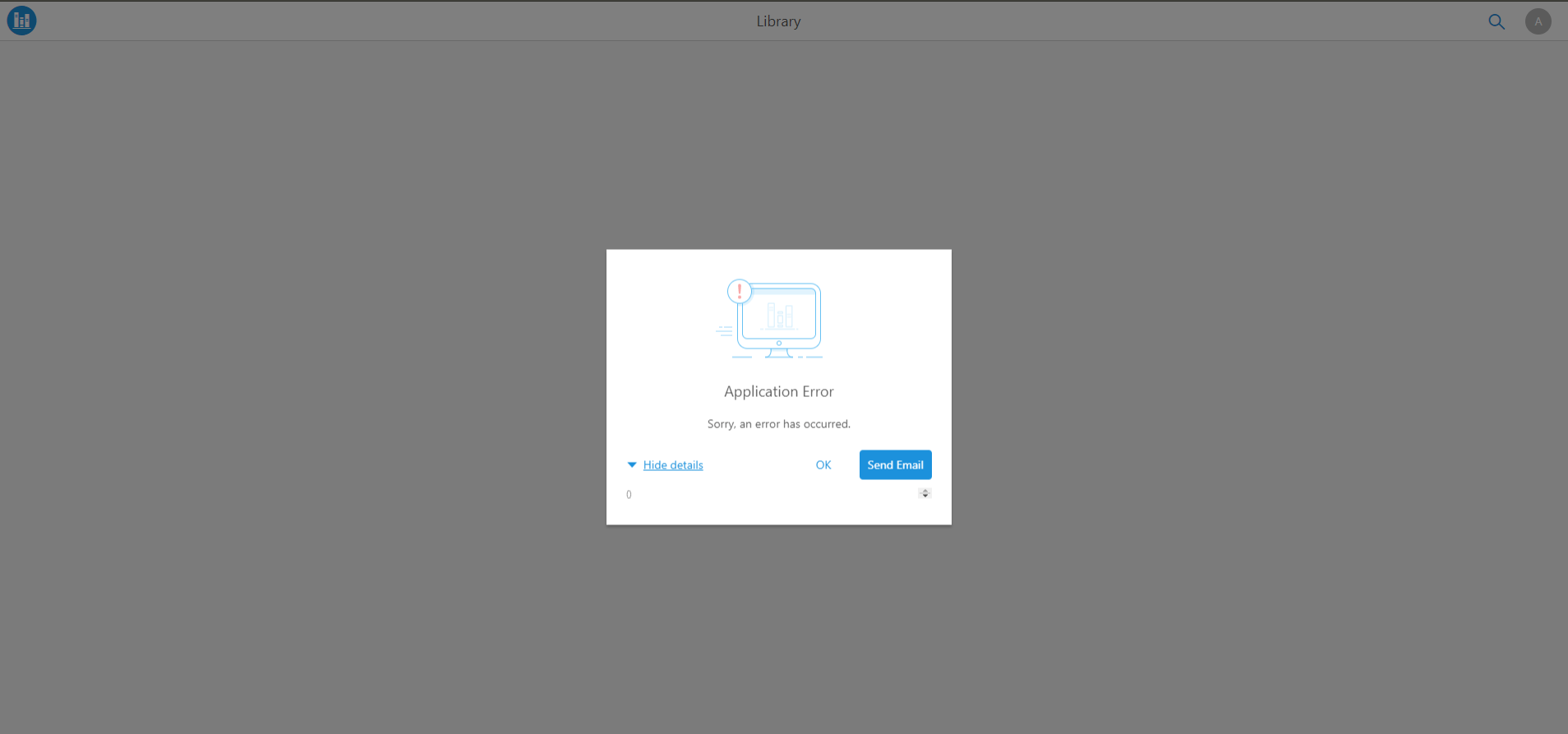
In DSSErrors.log we can see the following corresponding entry:
[HOST:][SERVER:CastorServer][PID:3892][THR:9176][Kernel][Error][UID:0][SID:0][OID:0] DSSServerDispatcher. error dispatching request = -1. err = 0x800436F8. error message = MsiChannel read failed.
[code=ERR001, iServerErrorCode=-2147467259, message=(), httpStatusCode=500, ticketId=…]
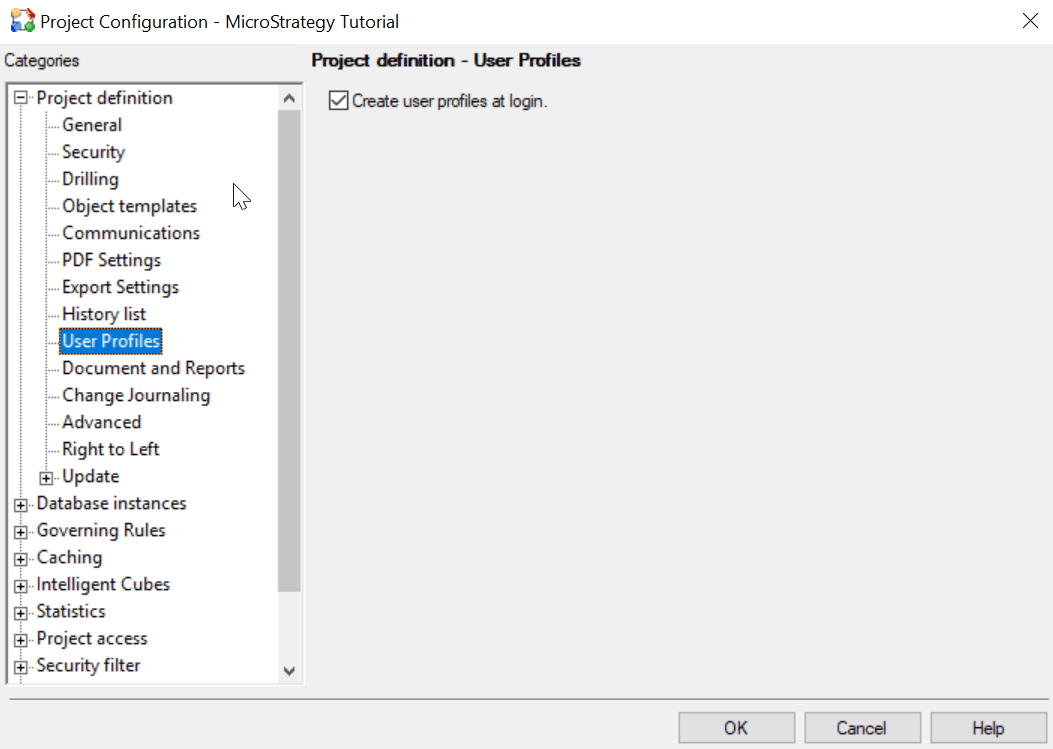
This error message appears when a project is not configured to allow users to create a profile folder. This issue is specific to Strategy 11.0 and 2019.
This defect is addressed and fixed in Strategy 2019 Update 1 and Strategy 2020. Upgrade to Strategy Update 1 or later to take advantage of the fix.
When entering a name of an object into a filter search box, the () error appears.
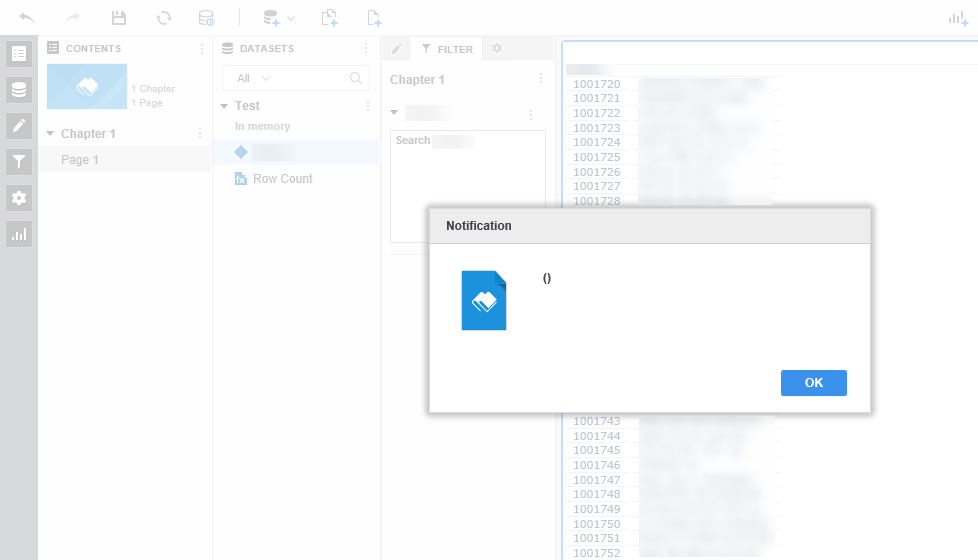
This is a known defect in Strategy 10.11.
This defect is addressed and fixed in Strategy 11.0 and Strategy 2019. Upgrade to Strategy 11.0 or later to take advantage of the fix.
If this error appeared in versions prior to Strategy 10.11, it's likely due to a corrupt attribute beign used for the Search Box. Try to recreate the attribute using Command Manger. For instructions, see Alter attribute statement.
When running a document or dossier in Web, the User request is complete () error appears.
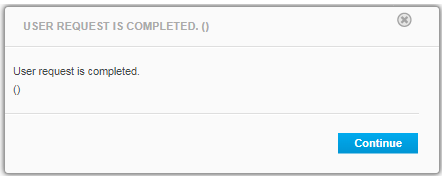
This may be a result of a corrupt object in the document or dossier. It is possible the object became corrupt during an upgrade or migration between different environments.
To determine the corrupt object, check the object ID that is present in the DSSErrors.log and the timestamp of the issue reproduction. After, recreate the object.
