SYMPTOM
After enabling the Mobile statistics for some loaded projects in Strategy Intelligence Server 10.x, the STG_CT_DEVICE_STATS stage table is not populated.
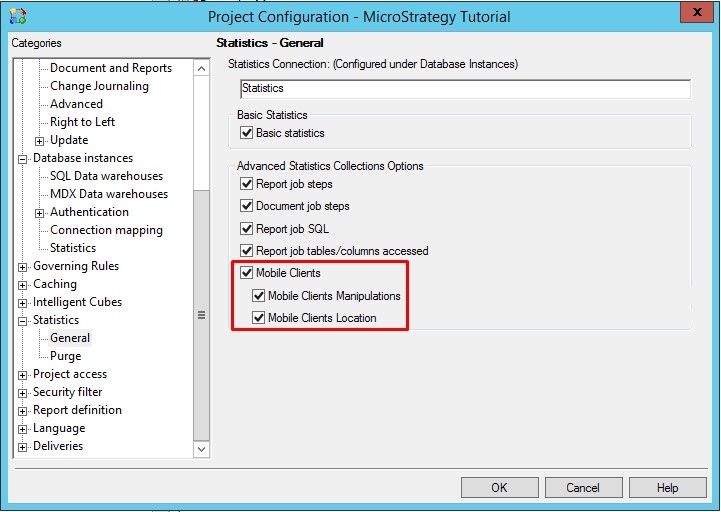
Let's suppose, there are three projects A, B and C. The Mobile statistics were enabled for project B only. When performing any actions in the B project which should generate mobile statistics, no data gets recorded to the STG_CT_DEVICE_STATS table.
CAUSE
Strategy Intelligence Server will use the project configuration settings and database instance of the first loaded project to log mobile statistics. In this example, although the dashboard was executed in project B, Strategy Intelligence Server loaded project A first and this project is not configured to collect mobile statistics.
ACTION
For the mobile statistics to get enabled in such a situation, one of the following methods can be used:
1. Enable mobile statistics for all projects loaded on the Strategy Intelligence Server
OR
2. Disable parallel project loading at the time of Strategy Intelligence Server startup and configure the first loaded project to collect mobile statistics. Refer to the following Knowledge Base article for steps to disable parallel project loading
KB218955: In MicroStrategy Intelligence Server 9.3.x - 9.4.x, Statistics are not written to the statistics table IS_SESSION_STATS
KB423973
