From Workstation, after successfully logged into environment using standard authentication with Administrator, creating Migration package is failed with "Login Failure" error:
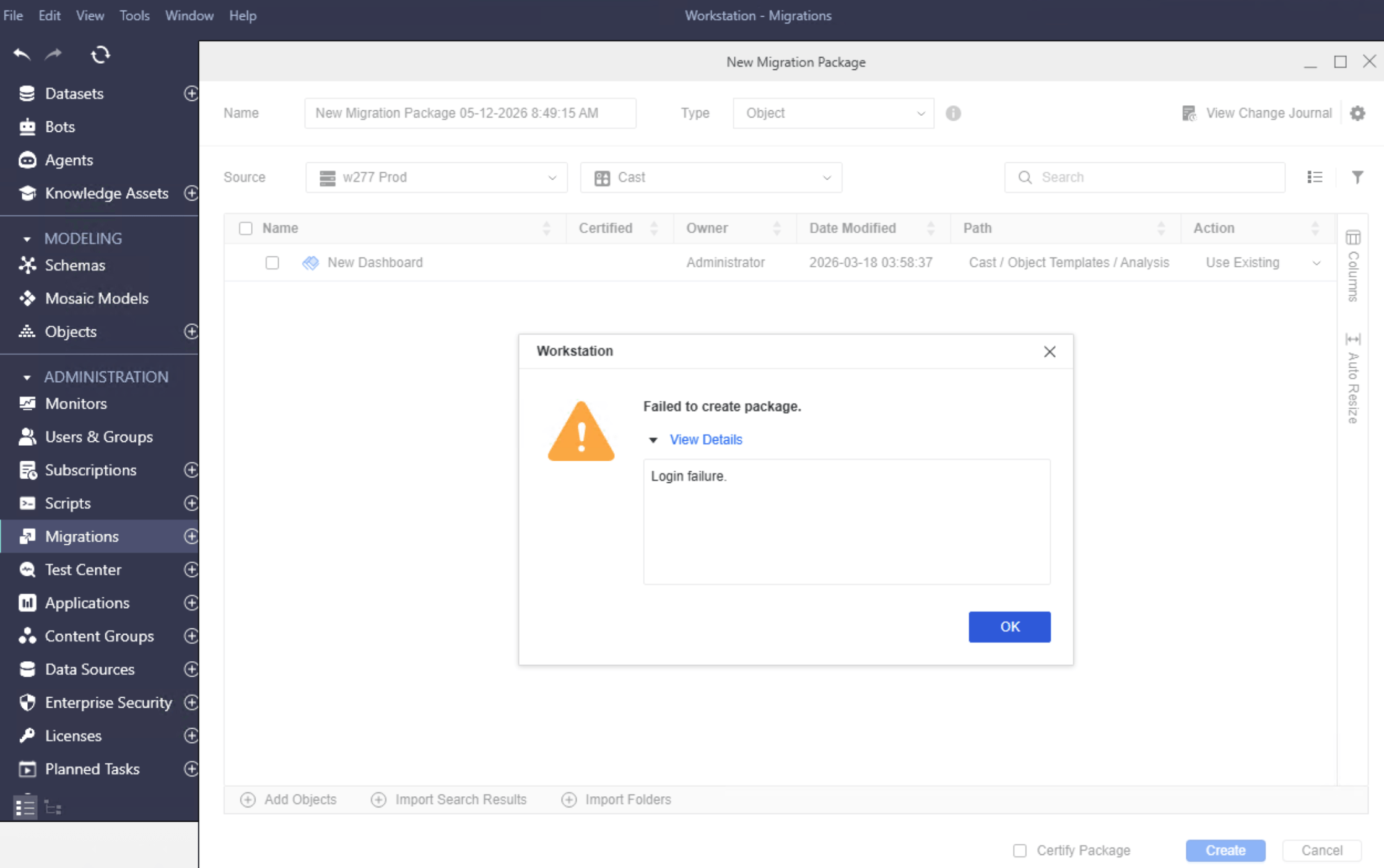
Error in DSSError.log:
2026-05-12 10:51:28.180+02:00 [HOST:env-xxx-iserver-0][SERVER:CastorServer][PID:100][THR:136316854322752][Authentication Server][Error][UID:0][SID:0][OID:0][CDSSAuthServer.cpp:20848] Login failed using authentication mode = 'JWT' with User = '' from client = 'Server Machine: 10.72.157.148 Client Machine: 10.72.132.37' with client type ='Migration' because failed to verify JWT token.
After logging into the Project using the standard authentication mode (username and password), a user session is created. When creating migration package, the backend duplicates the session using JWT, which is more flexible and is not restricted by the original authentication mode. This duplicated session is to ensure continuity for operations like creating or migrating packages.
When the setting "Token Lifetime (Minutes)" is configured to a small value, the token expires quickly and becomes invalid, for example, if it is set as 1 minute, the token will be expired in 1 minute.
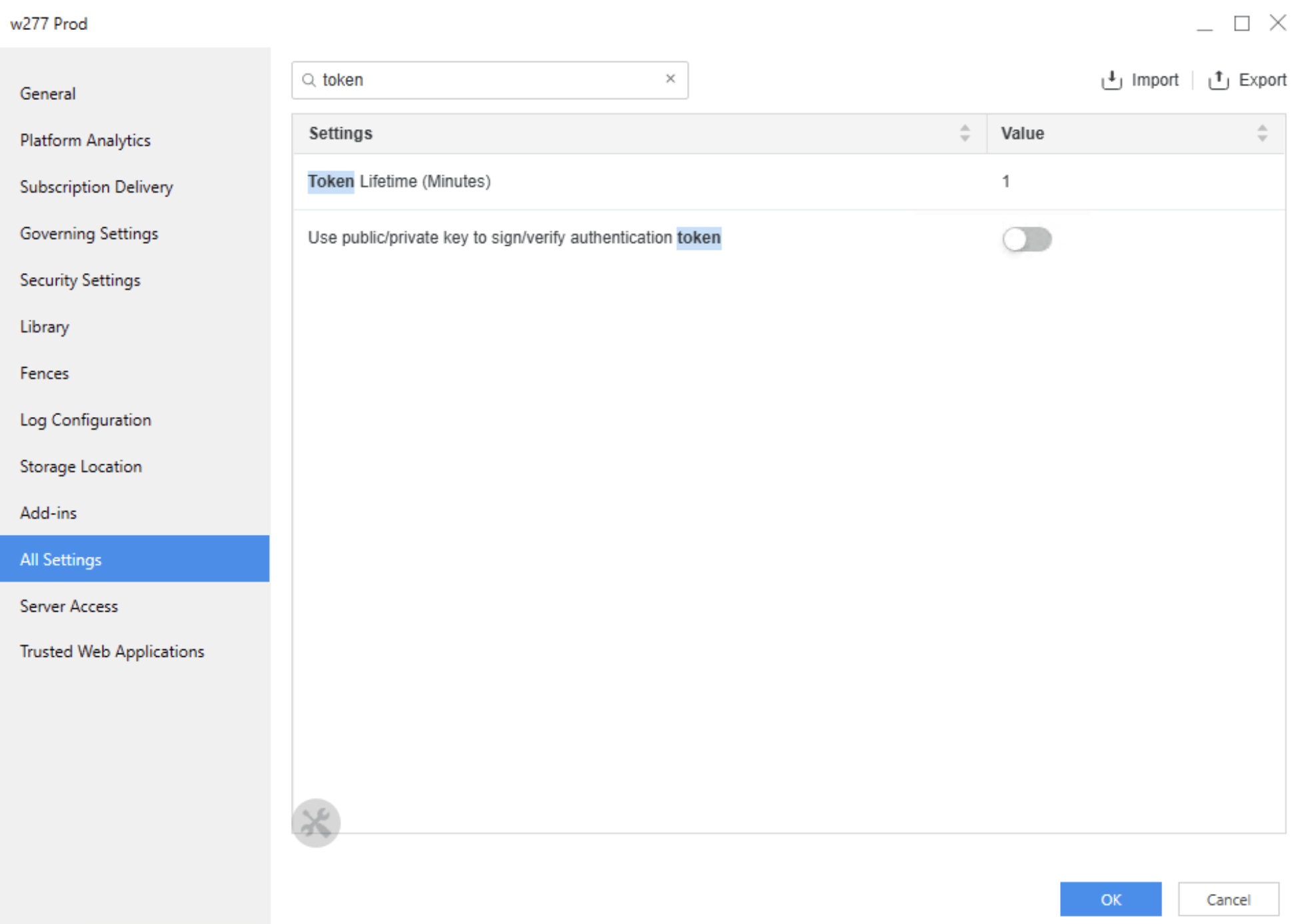
Update the "Token Lifetime (Minutes)" setting to a larger value. The default value for this setting is 1440 minutes (24 hours).
Note: this setting can be found under Environment properties > All settings.
