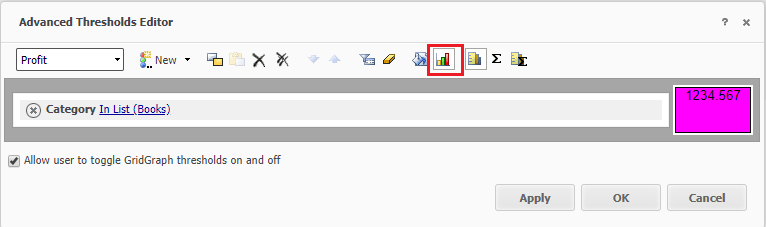
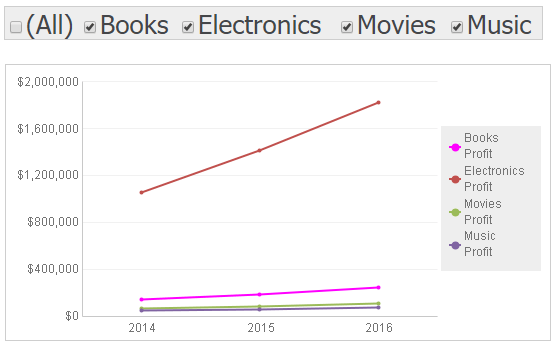
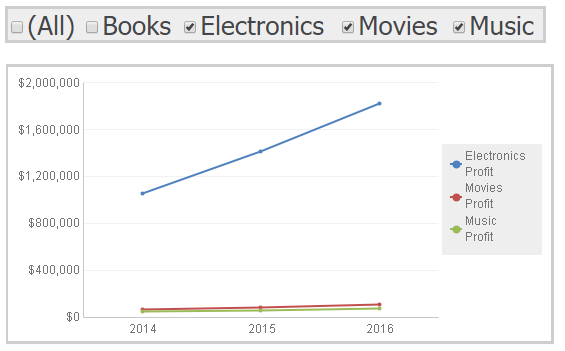
When running a Report Services Document with a graph, users may want to assign a specific color for a series on a graph. If users set the color for a series using the graph' s Properties and Formatting window, the color is assigned based on an index and will change if an attribute element or metric is removed from the graph or deselected from a selector. This is described in KB37102 and KB42371. In Strategy 10.4 and higher, users can use advanced thresholds to set the color for the series on the graph as described below.
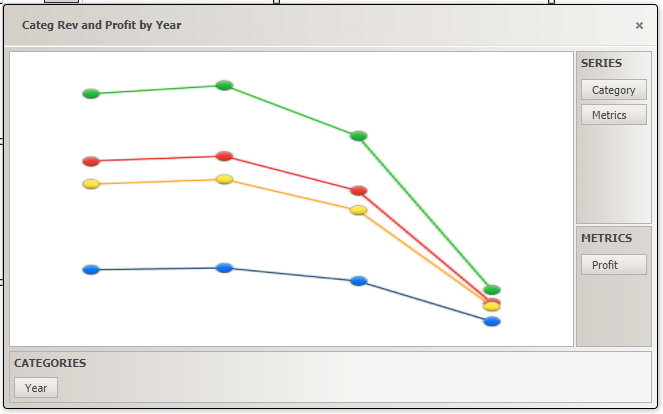
Follow the steps below using Strategy Tutorial in Strategy Web to set a specific color for a series on a graph:
KB439628
