EducationSoftwareStrategy.com
StrategyCommunity

Knowledge Base

Product

Community

Knowledge Base

TopicsBrowse ArticlesDeveloper Zone

Product

Download SoftwareProduct DocumentationSecurity Hub

Education

Tutorial VideosSolution GalleryEducation courses

Community

GuidelinesGrandmastersEvents
x_social-icon_white.svglinkedin_social-icon_white.svg
Strategy logoCommunity

© Strategy Inc. All Rights Reserved.

LegalTerms of UsePrivacy Policy
  1. Home
  2. Topics

KB42371: The color of series lines on a line graph in MicroStrategy Developer 9.4.x-10.x change when a metric is removed from the grid, even when series markers are set to stay the same color.


Stefan Zepeda

Salesforce Solutions Architect • Strategy


Even after following the steps in KB37102: The color of a series in a graph changes depending on the information that is displayed by the graph in MicroStrategy 9.4.x-10.x the series lines do not inherit the color of the series markers, and change depending on which metrics are displayed on the graph.

SYMPTOM:
Even after following the steps in KB37102: The color of a series in a graph changes depending on the information that is displayed by the graph in MicroStrategy 9.4.x-10.x, the series lines do not inherit the color of the series markers and change depending on which metrics are displayed on the graph. For example:
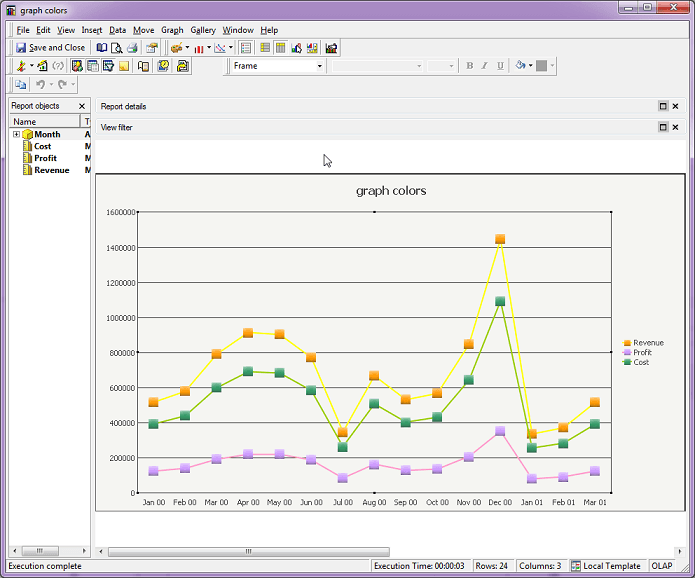
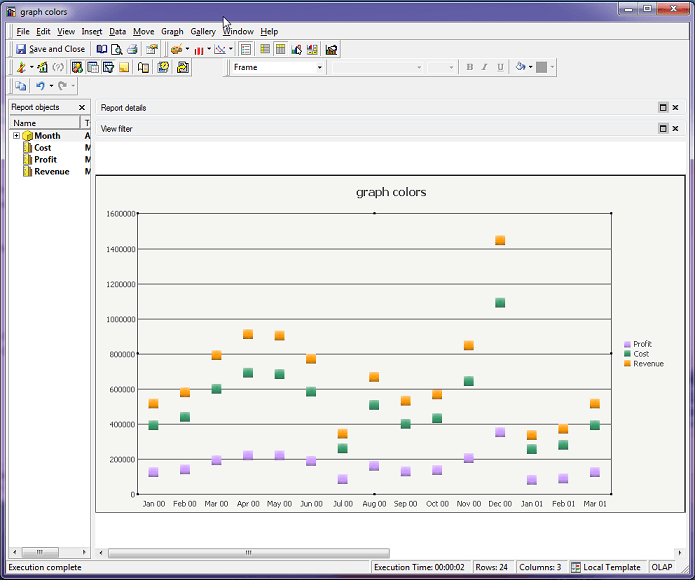
  • Create a line graph with Revenue, Profit and Cost. The marker colors for these metrics are chosen using the method in KB37102, by changing the metric Headers formatting in the Metric Editor. The series lines are chosen in Graph Options -> Series -> Data Line.
     
ka04W000001EubxQAC_0EM440000002Cxt.png
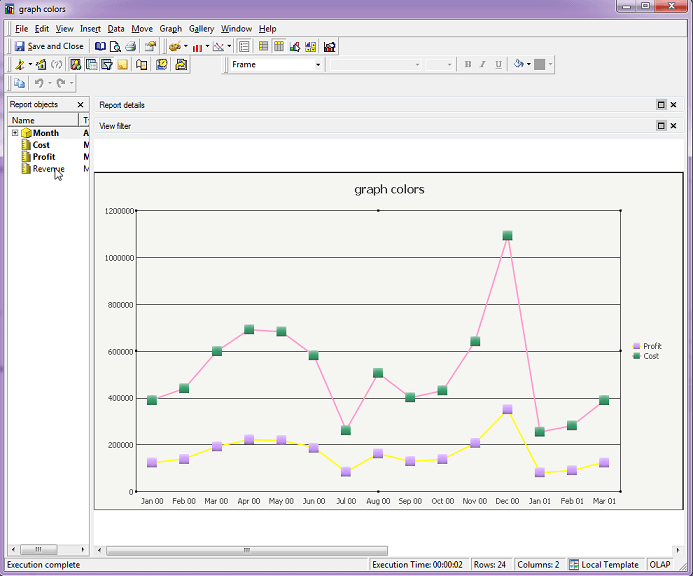
  • However, when Revenue is removed from the grid, the series lines no longer match the series markers.
     
ka04W000001EubxQAC_0EM440000002Cxg.png

 
CAUSE:
As explained in KB37102, graph formatting settings are not associated to specific metrics, but to a series based on their index.  Whenever the information on the graph is modified, the graph is redrawn and therefore the series are re-indexed.
 
ACTION:
This is a known issue in Strategy Developer 9.4.x-10.x. Strategy will continue to investigate and post updates as soon as they are available. 
In Strategy 10.4 and higher, users can use Advanced Thresholds to set the color for a series on a graph as described here.
 
WORKAROUND:
A few workarounds for this issue are listed below.
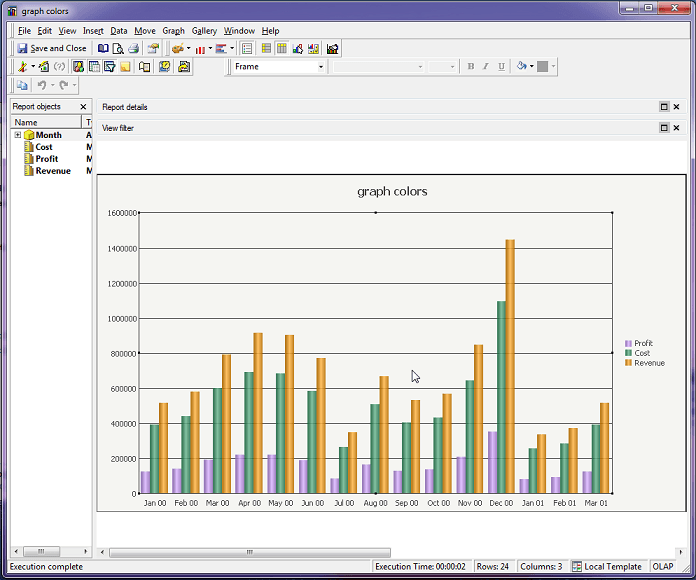
  • Workaround 1: Change the graph type to a bar graph, as in KB37102:

ka04W000001EubxQAC_0EM440000002Cy5.png
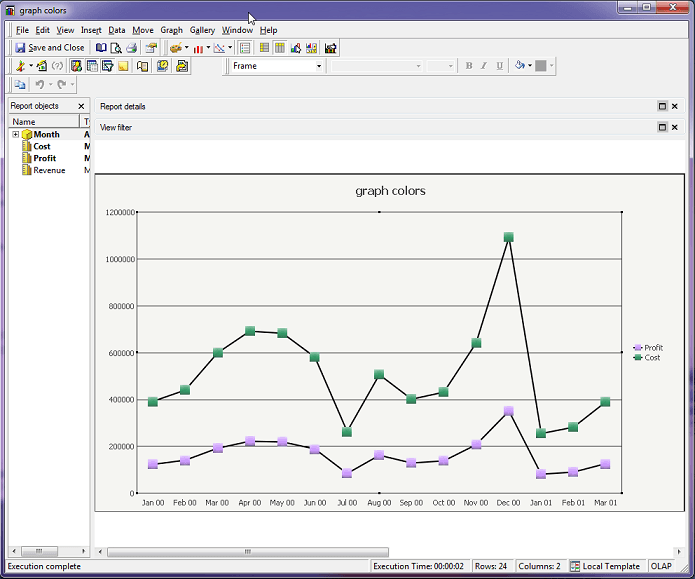
  • Workaround 2: Set the series line color to black or grey for all series:

ka04W000001EubxQAC_0EM440000002Cxs.png
  • Workaround 3: If the lines are unnecessary, make them invisible by changing the transparency of the series lines to be 100:
ka04W000001EubxQAC_0EM440000002Cxv.png

Comment

0 comments

Details

Knowledge Article

Published:

May 22, 2017

Last Updated:

February 8, 2018