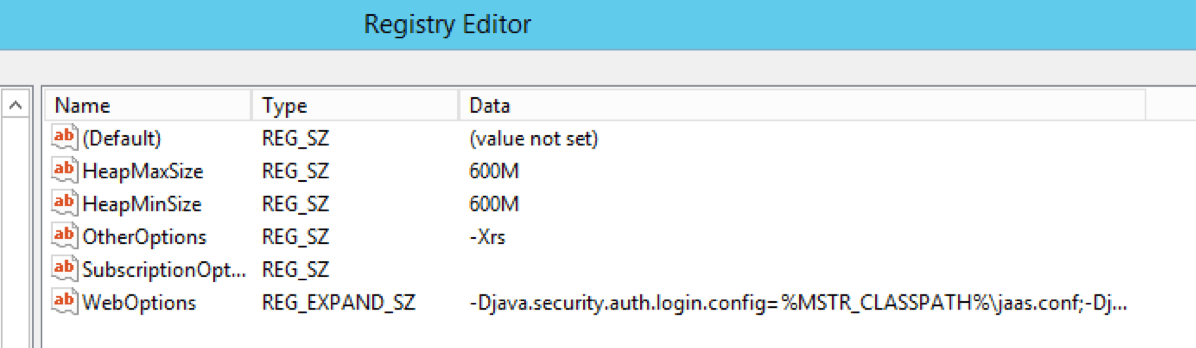
To increase the Java heap size for Strategy Web running on 64 bit Windows, follow the instructions below:
HKEY_LOCAL_MACHINE\Software\Wow6432Node\MicroStrategy\JNI Bridge 64\Configuration\JVM Options\HeapMaxSize
NOTE: For other environments, refer to the following Technical Notes.
KB6446: How to increase the heap size of the Java Virtual Machine to handle large result data objects with MicroStrategy Web 9.x
KB407211: How to increase the Java Heap size in Tomcat Application Server
WARNING MESSAGE
Modifying registry values incorrectly may cause serious, system-wide problems that may require the re-installation of Microsoft Windows NT. Any edit of the registry is done at the user's own risk. Since these are user-initiated changes, they are not covered by any Strategy warranty. If using Microsoft Windows NT, the user should backup the registry and/or update an Emergency Repair Disk (ERD) prior to alterations.
