SUMMARY:
This issue has been classified as a usage issue by Strategy. The impact is limited to Strategy Diagnostics and Performance Logging only. There is an action suggested to resolve the error in this KB.
SYMPTOM:
When launching Strategy Diagnostics Configurations tool, following error pops-up.
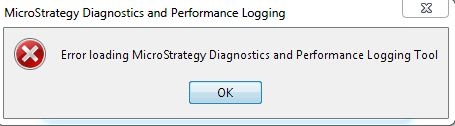
Error loading Strategy Diagnostics and Performance Logging Tool’
CAUSE:
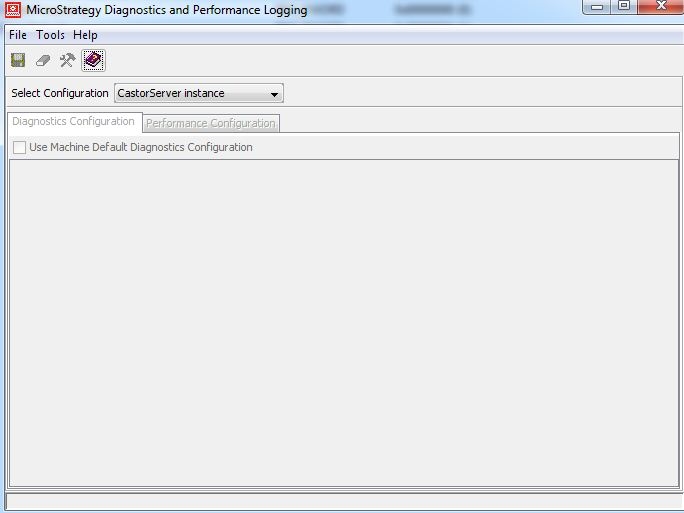
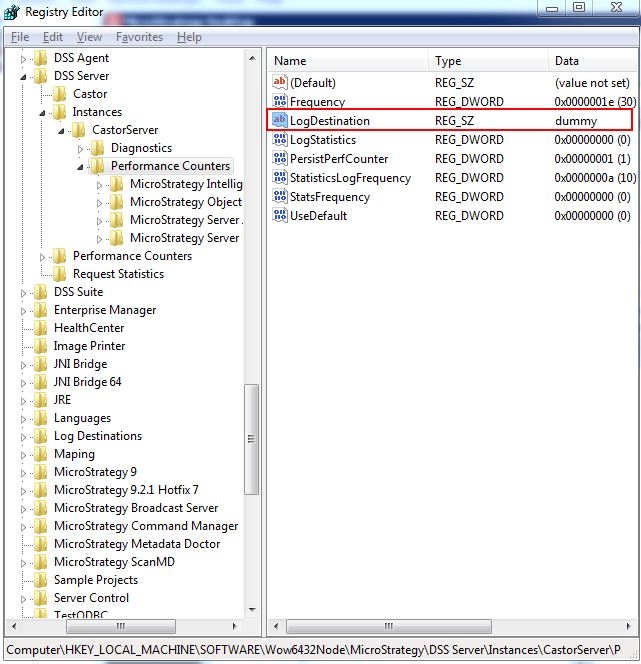
One of the possible causes is that an invalid LogDestination is specified in the registry key of the machine.
ACTION:
In Registry Editor, navigate to:
\HKEY_LOCAL_MACHINE\SOFTWARE\Wow6432Node\Strategy\DSS Server\Instances\CasterServer\Performance Counters
Then, remove the data value under LogDestination.
Video:
You can find a detailed video on how to check these settings here: Tech Note 45200. Action Steps
TO LEARN MORE:
