In the 1990’s, when Strategy Web was first released, the standard approach for web and intelligence servers was implementation on separate physical machines, and this remains the official recommendation in the Strategy Installation and Configuration Guide: “Strategy Web should be installed on its own dedicated Web server machine.”
https://www2.Strategy.com/producthelp/Current/InstallConfig/en-us/Content/Recommended_installation_location_and_example_depl.htm
A common practice was implementation of multiple web servers behind a load balancer, which together with clustered Intelligence servers, provided high availability (HA) service.
This changed with the infrastructure behind MSTR Cloud, with the LAIO (Linux-All-In-One) reference architecture, which placed the intelligence server and the Web server on the same machine (often a virtual machine by this time). This approach offered certain advantages in terms of networking, shared memory and simplicity. Indeed, the LAIO approach does not preclude using a load balancer, as described in the MCP AWS architecture:
KB483966: Strategy Cloud Platform AWS Architecture
A more distributed web infrastructure with multiple specialized components, however, remains useful for many customers. Apache HTTP Server, sometimes referred to by the UNIX “daemonized” acronym HTTPD is such a common component. This was first released in 1995, and capable of hosting only static content, as opposed to dynamic Java servlet-based Apache Tomcat.
Generally, HTTPD will receive web traffic on standard ports of 80 or 443, depending upon the protocol in use. Configured in /etc/httpd/conf/httpd.conf, this software is deployed in every MCP implementation of MSTR, even though it is not running by default. HTTPD can be configured as a reverse proxy server, which serves as a layer to implement security policies, for example denying and allowing certain IP or CIDR ranges.
https://httpd.apache.org/docs/current/mod/mod_proxy.html
Web traffic that passes these security rules is forwarded to the Tomcat connectors which are configured to receive this traffic. Note, in such a configuration, it is possible to have encryption implemented between the user’s web browser and the HTTPD server, and then connect to Tomcat listening on an unencrypted port, often 8080. Of course, if SSL/TLS encryption is required through the entire traffic flow, then it can be implemented on default port 8443 for Tomcat, and default ports 39321 and 39320 for the Intelligence server.
https://www2.microstrategy.com/producthelp/Current/SystemAdmin/WebHelp/Lang_1033/Content/SSL_TLS_Iserver_Web_Mobile.htm
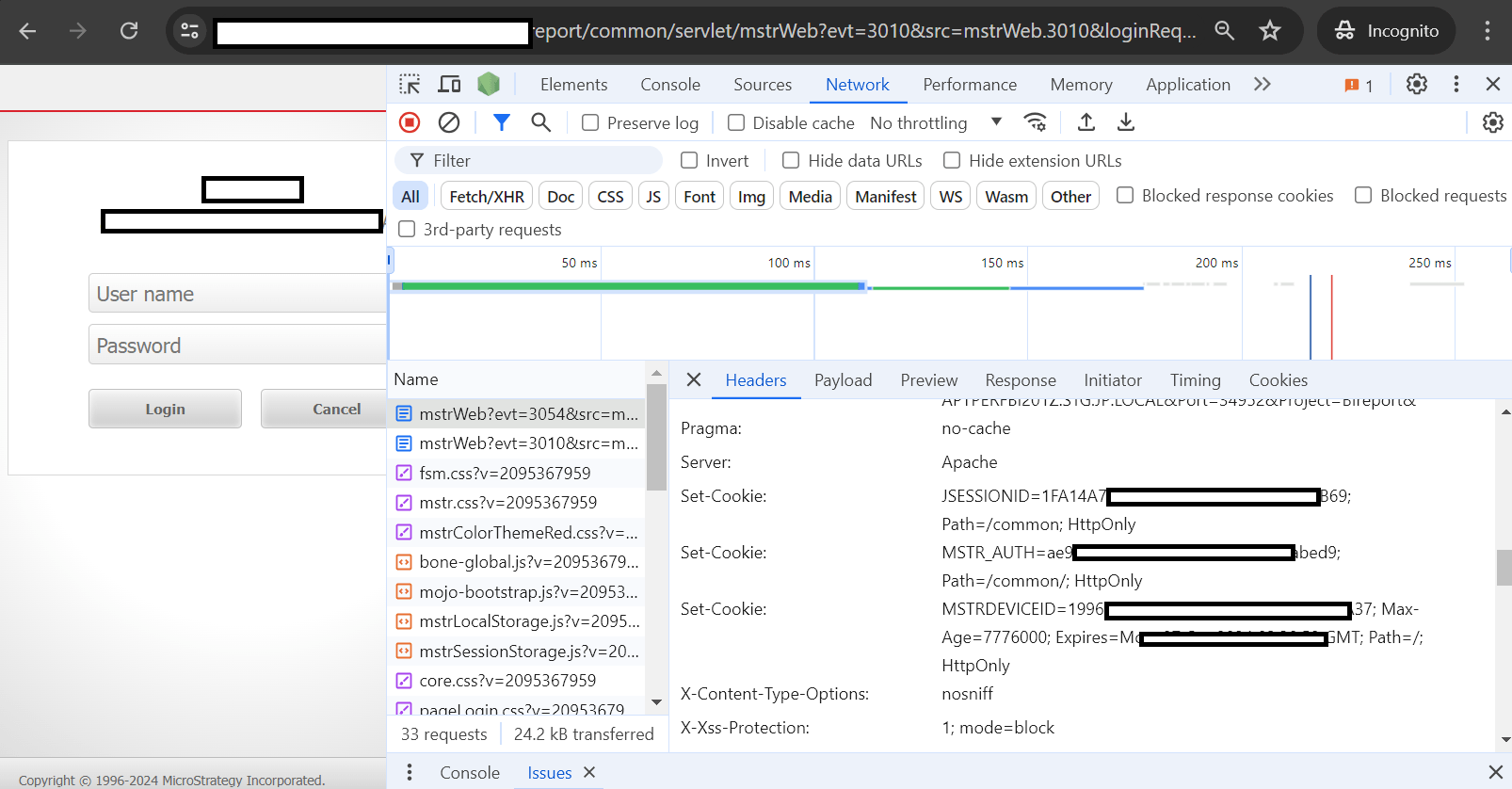
The use of HTTPD also offers a mechanism to control the URL that is presented to the user, in addition to the Fully-Qualified-Domain-Name (FQDN) governed by the DNS servers, and the name of the webapp deployed within Apache Tomcat. An example of this is described below.
/etc/httpd/extra.d/<server_name>.conf
ServerAlias <alternate-FQDN>
<Location /Strategy>
    ProxyPass        http://localhost:8080/Strategy
    ProxyPassReverse http://localhost:8080/Strategy
</Location>
<Location /report/common>
    ProxyPass        http://localhost:8080/common
    ProxyPassReverse http://localhost:8080/common
    ProxyPassReverseCookiePath /common /
</Location>ProxyPass /Strategy balancer://mycluster/Strategy stickysession=JSESSIONID nofailover=On ProxyPassReverse /Strategy balancer://mycluster/Strategy <Proxy balancer://mycluster/Strategy> BalancerMember http://<FQDN1>:8080 route=<server1> timeout=300 keepalive=On secret="<secret!>" BalancerMember http://<FQDN2>:8080 route=<server2> timeout=300 keepalive=On secret="<secret!>" </Proxy>
The third-party product(s) discussed in this technical note is manufactured by vendors independent of Strategy. Strategy makes no warranty, express, implied or otherwise, regarding this product, including its performance or reliability.
