Summary
The scope of this technical note is to provide administrators and end users a central repository of resources for troubleshooting issues found in Strategy Mobile on the iOS platform. Such resources include: troubleshooting methodology, troubleshooting steps, and links to various technical notes explaining how to gather various logs and details for the various troubleshooting options. Utilizing these resources, users may be able to better troubleshoot, understand, and resolve issues on their own or with Strategy Technical Support’s assistance.
Symptom
A user encounters an issue and/or an error message in Strategy Mobile 9.x and 10.x.
Methodology
This section is to provide a high level overview of the mobile troubleshooting methodology to better zero in on root cause to search for resolution options. The overall methodology revolves around first finding the steps to reproduce the issue, testing if the issue can be reproduced with said steps, and then observing the various behaviors as further tests are performed. This is because an issue that can be reproduced can be studied and observed in various aspects to see how it behaves with different actions performed. An issue that cannot be reproduced cannot really be troubleshot by conventional means since the behavior of the issue cannot be studied easily; this usually results in theoretical explanations as to why the issue may have occurred because no further evidence for or against the theory can really be provided since the issue does not reproduce in order to put the hypothesis to the test. This is why reproducing an issue is paramount to the troubleshooting process.
Before You Begin
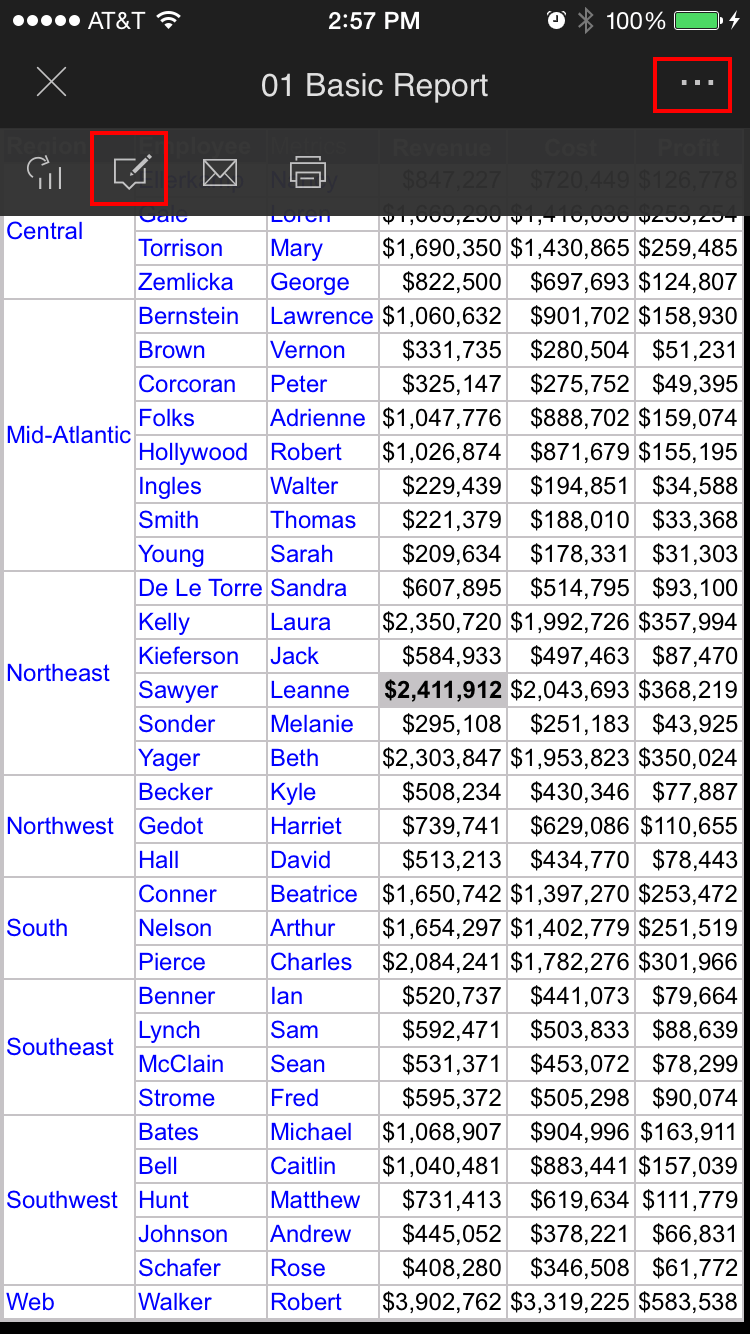
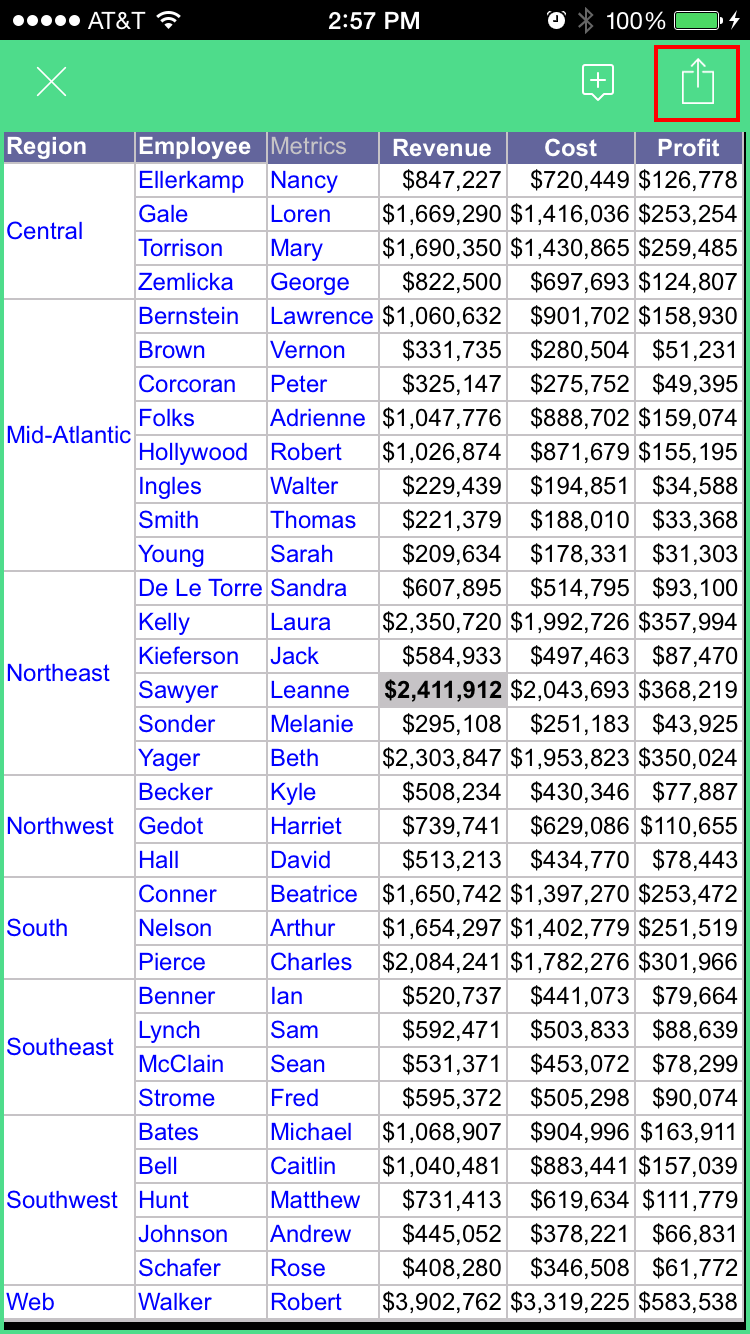
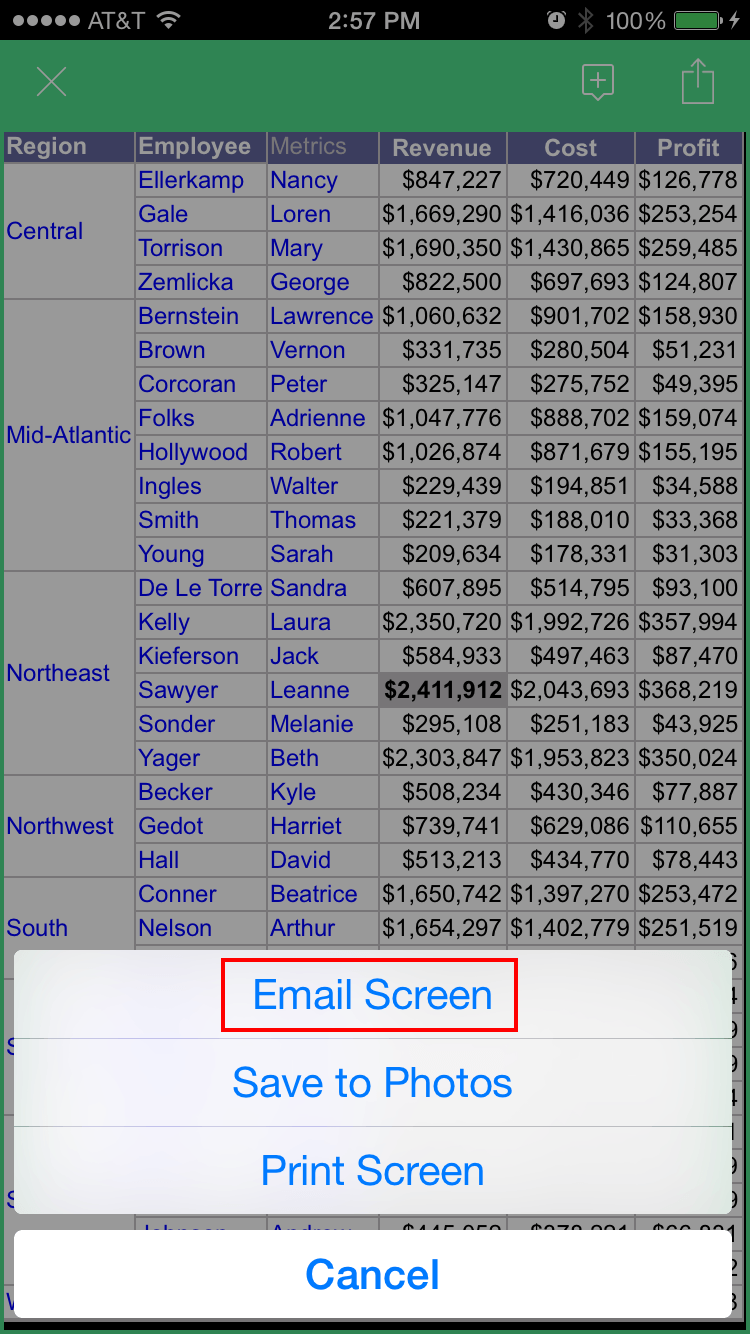
Screenshots can instantly convey a message that could take paragraphs to explain with text. Therefore, many times Strategy Technical Support will request screenshots of each step to reproduce an issue, screenshots of an error message, or just screenshots of the general scenario to see what the end user sees in order to better understand the issue. Taking screenshots in mobile isn’t very cumbersome, but can vary in method by device. Here are some videos that illustrate the process:
Screenshots from the Strategy Mobile Header Bar:
Within a report/document/dashboard:
Screenshots from iOS Device:
The following Apple tech note discusses how to do this:
http://support.apple.com/en-us/HT200289
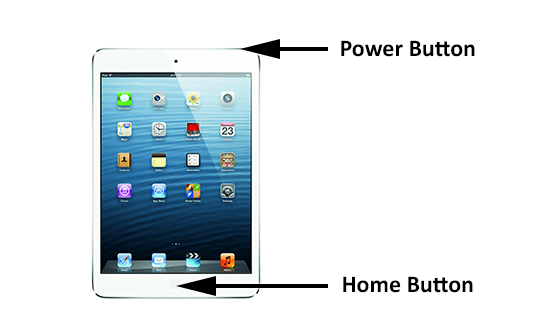
A quick way to do this is to simultaneously hold down the Power and Home buttons on an iOS device to take a screenshot. This is depicted in the diagram below:
Determining the version of the mobile device, operating system, and Strategy Mobile is important for checking if the specific configuration is supported or certified by Strategy, as well as helpful in determining what type of setup should be used to test reproducing an issue. Here are some videos that illustrate the process:
Strategy Mobile Application:
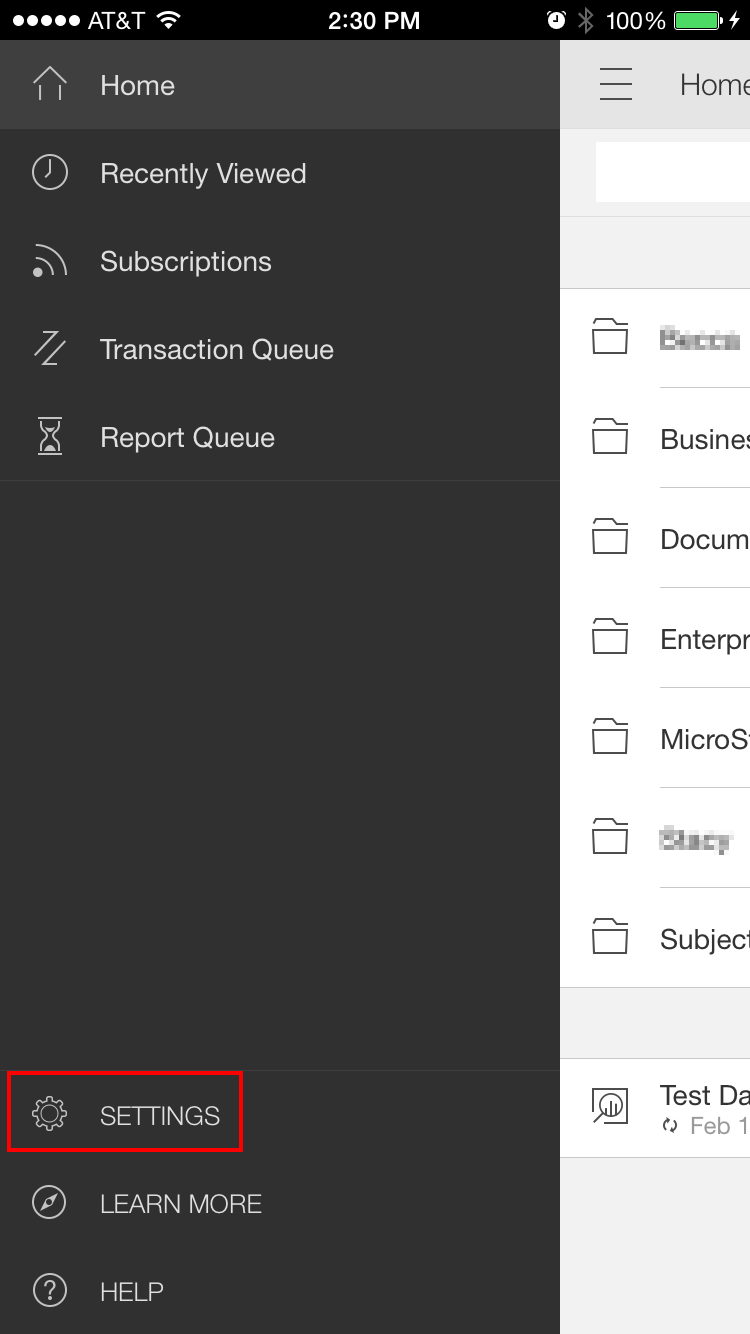
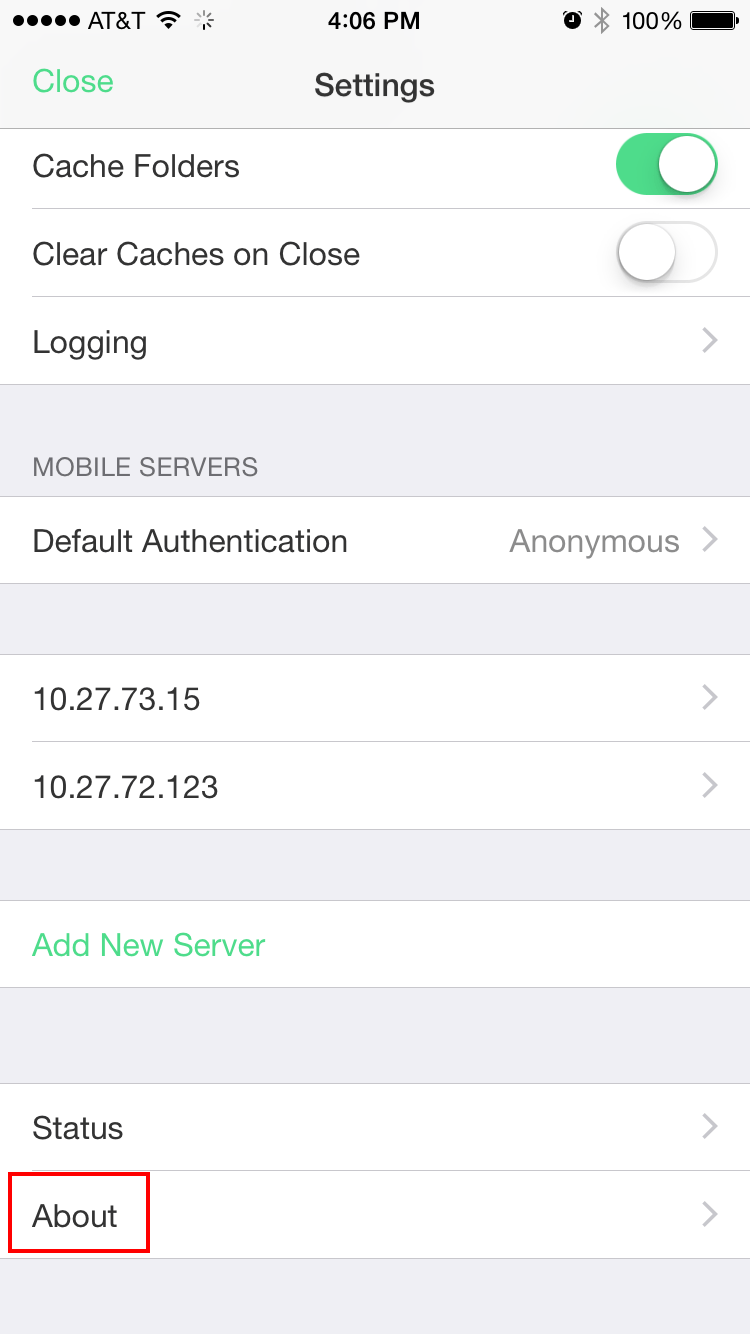
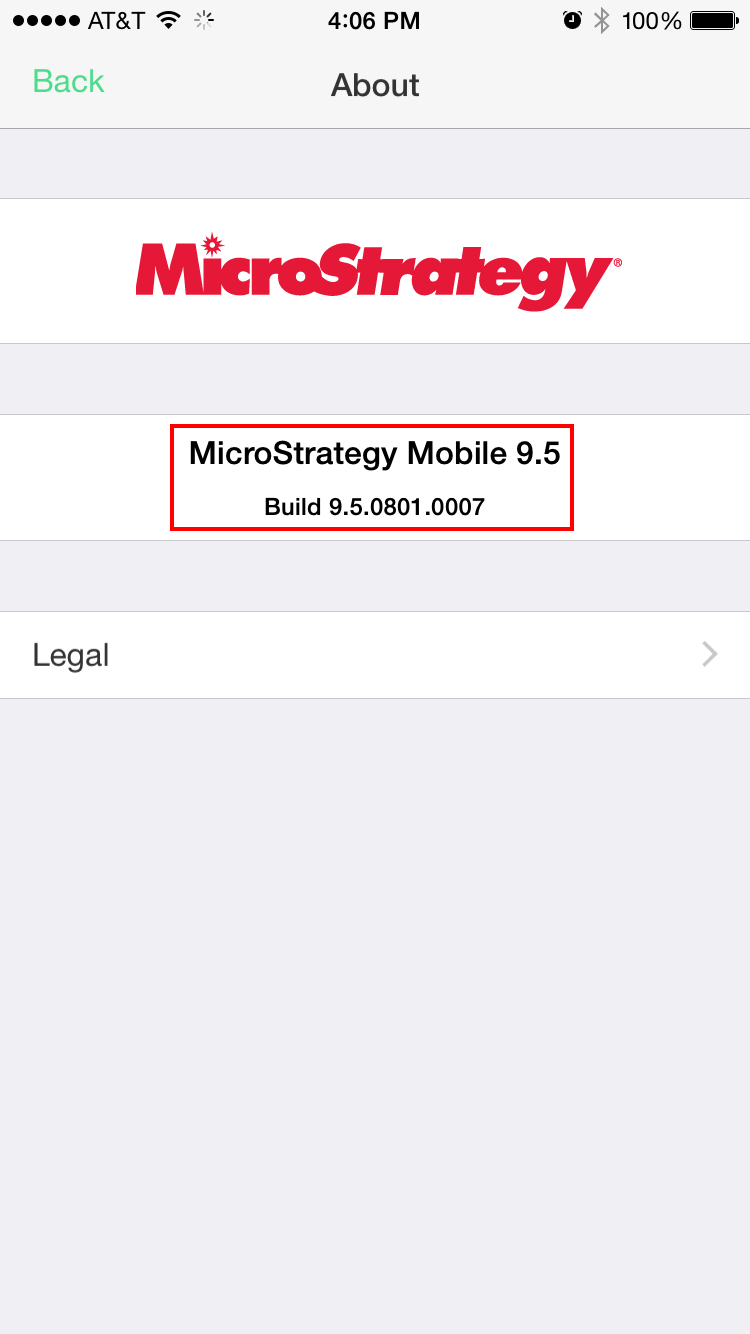
iOS Device and Software:
Steps to Troubleshoot
Administrators have more tools to work with when troubleshooting issues in Strategy Mobile than an end user, however collaboration between an administrator trying to resolve an issue, and an end user who originally experienced the issue is very helpful. Here are some initial steps to follow:
Additionally, an administrator may know whether the mobile application being used by their organization is OOTB Strategy Mobile, a re-branded, or custom application. This becomes important when troubleshooting issues that appear in the mobile application because issues that appear in a re-branded or custom app can be the result of conflicts with customizations using SDK. Here is a clarification on these terms:
To confirm an issue is Strategy-specific, and not a customization conflict with the app, then the issue will need to be reproducible from the OOTB Strategy Mobile app available on Apple App Store or Google Play. This will be necessary if the issue is to be brought up with Strategy Technical Support because proven Strategy-specific issues can be troubleshot, but issues that are conflicts with customizations cannot be troubleshot. Therefore, the next step:
Issues that aren’t easily resolved from the report/document/dashboard editor, tech notes on the Community, or related to a specific object, might require additional digging with mobile logs. There are a few logs which can be utilized for mobile troubleshooting:
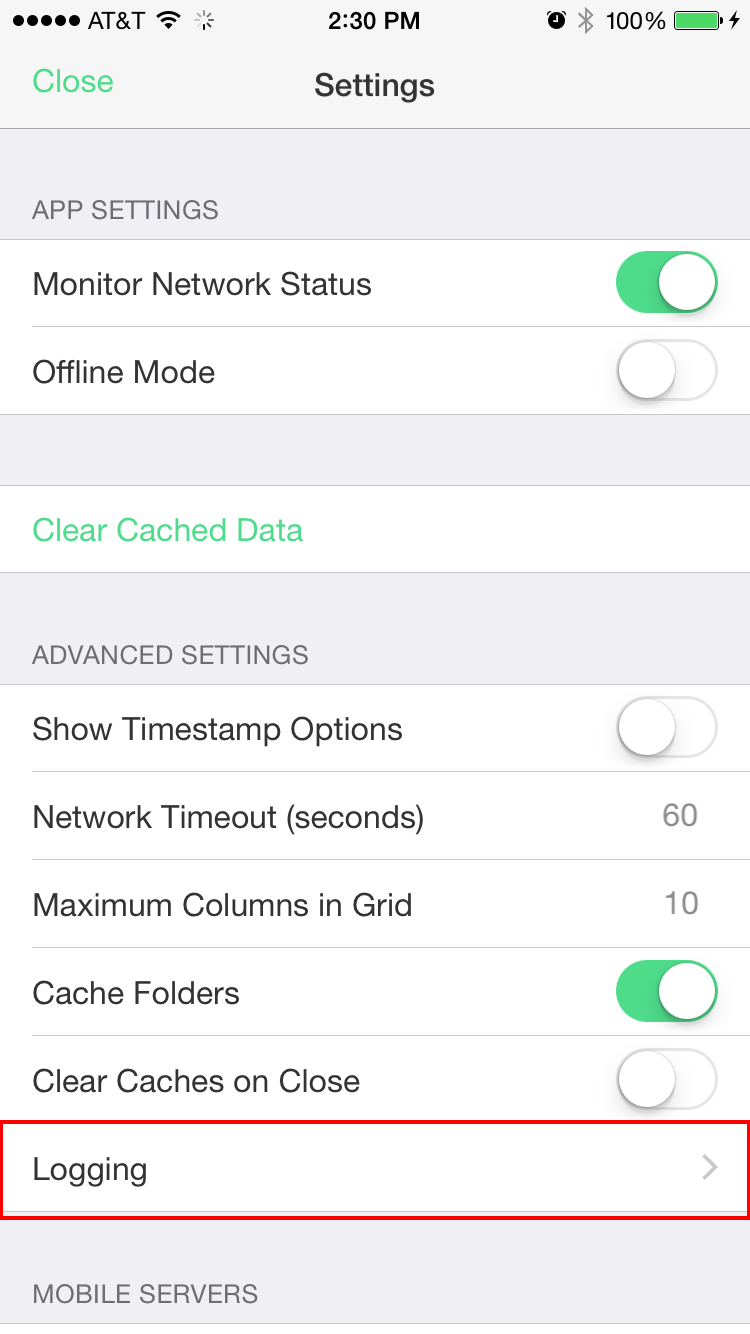
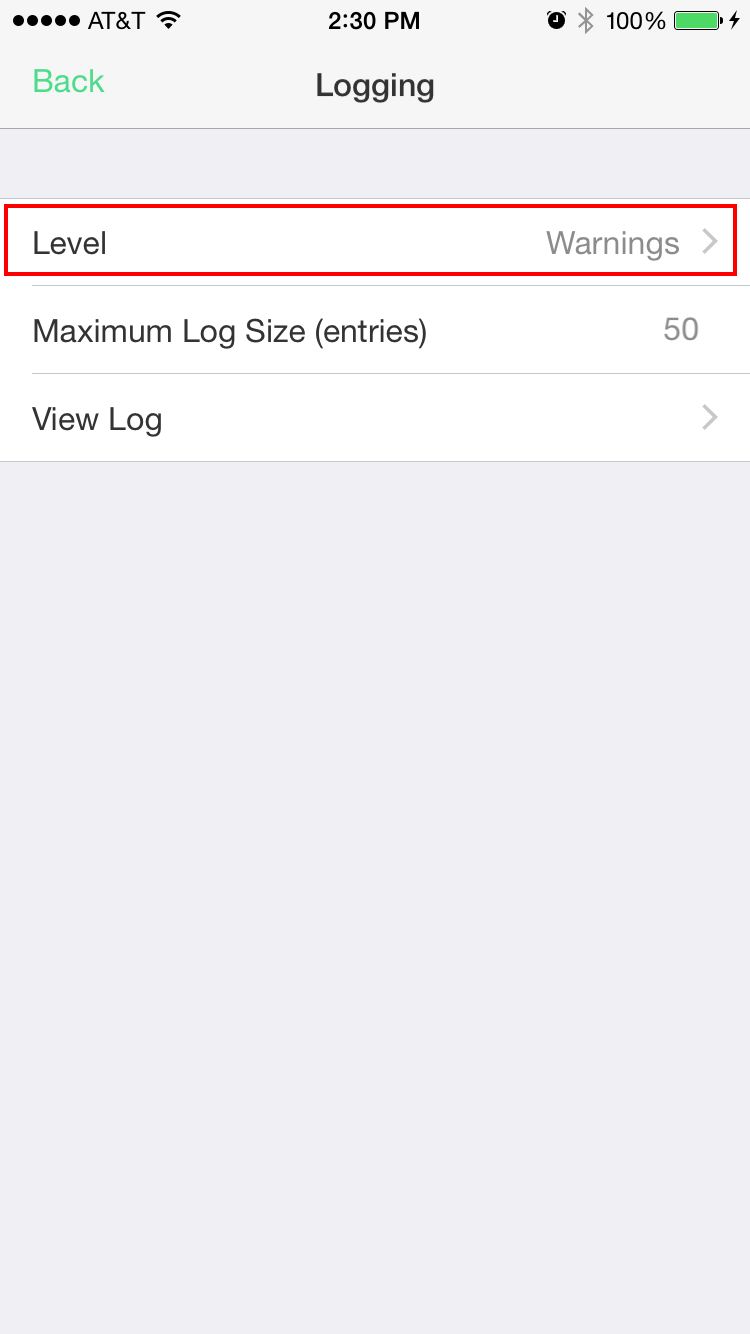
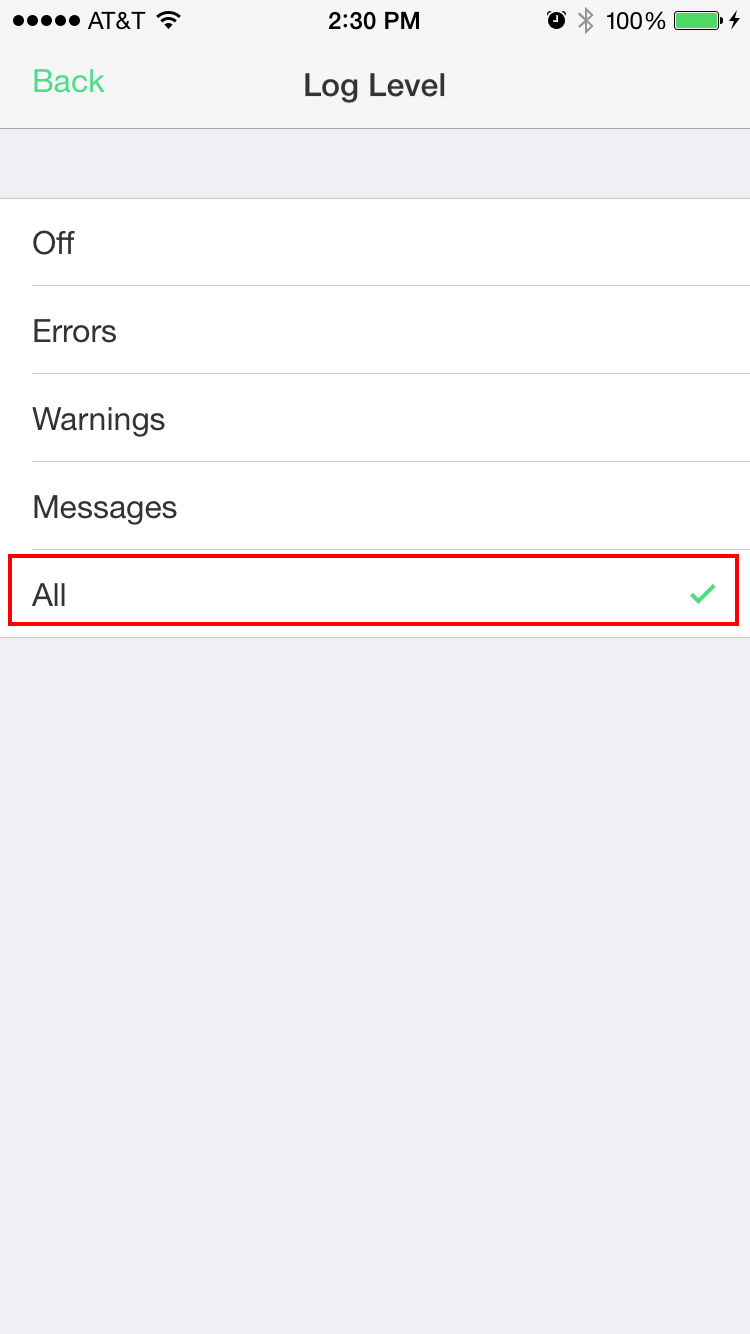
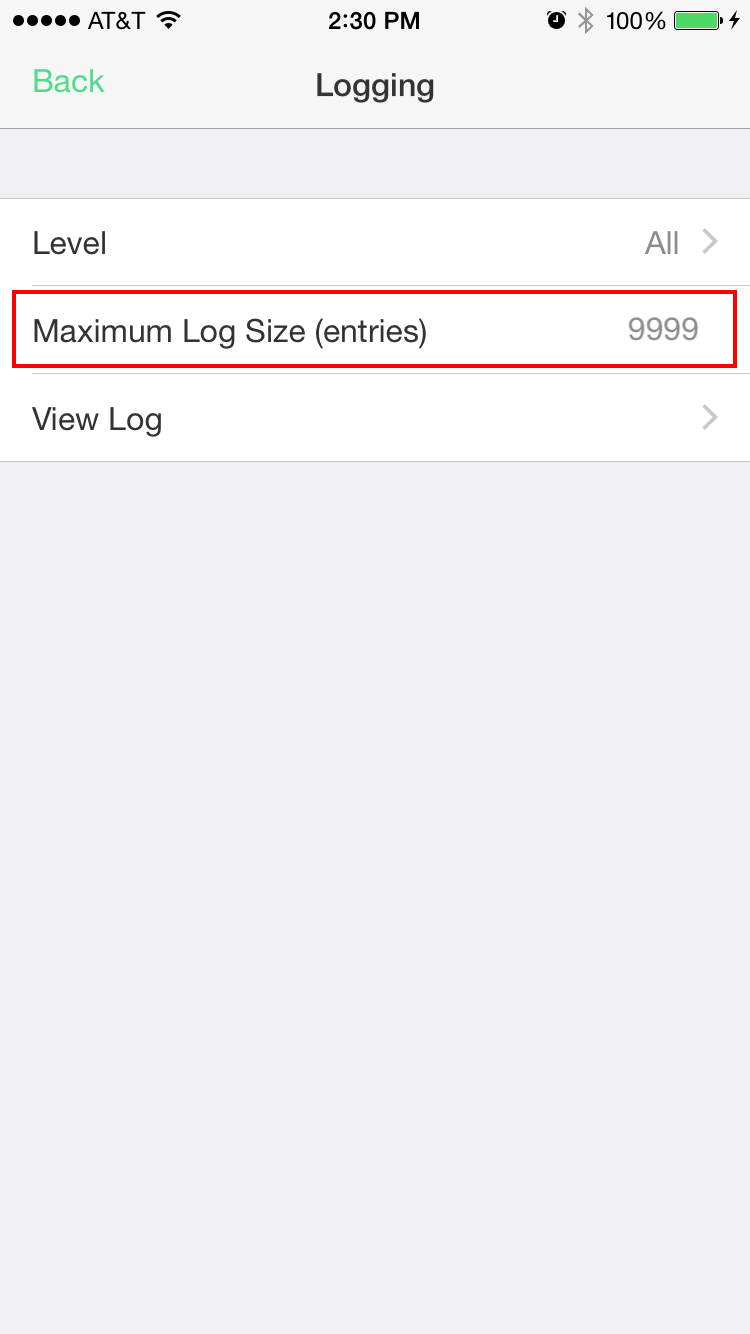
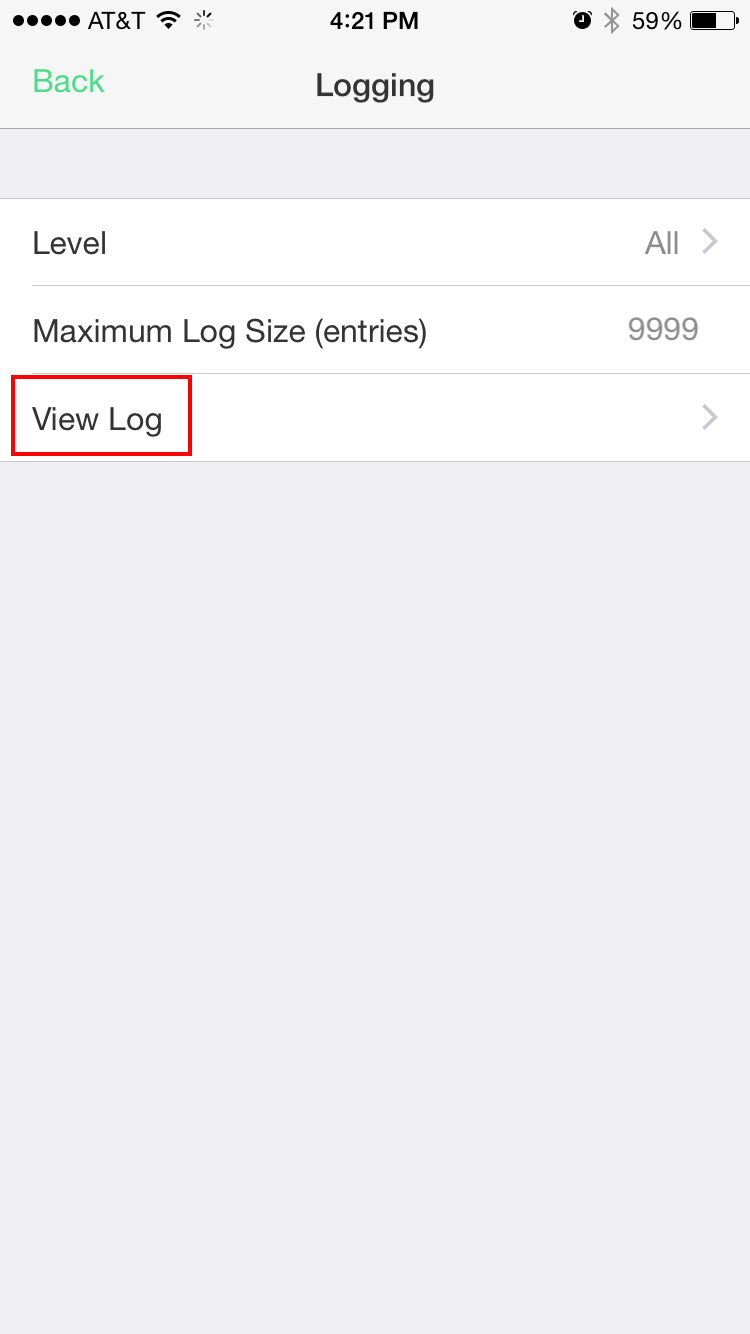
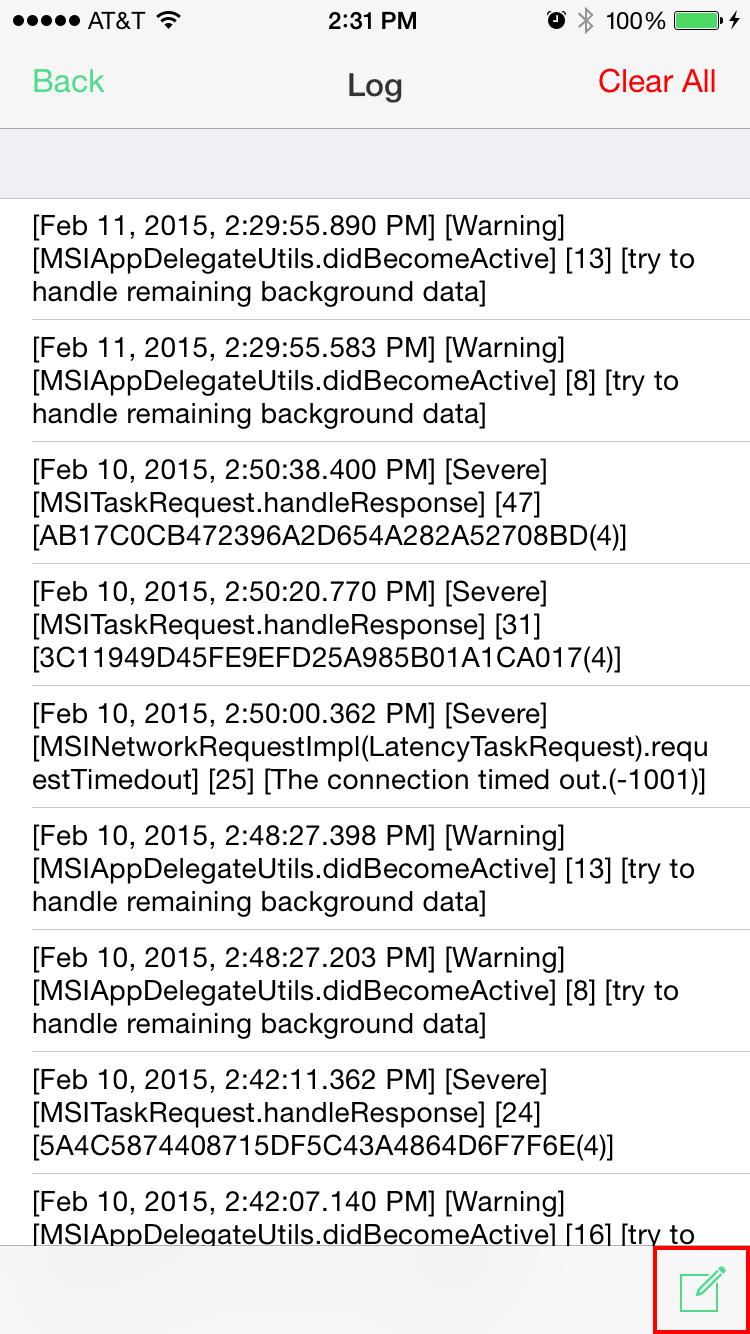
If the issue appears to be more related to configuration problems, as in the actual setup of Strategy Mobile with the various components communicating with one another, or perhaps an issue with defining the mobile configuration from Mobile Administrator, then the following may be helpful to collect and provide to Strategy Technical Support:
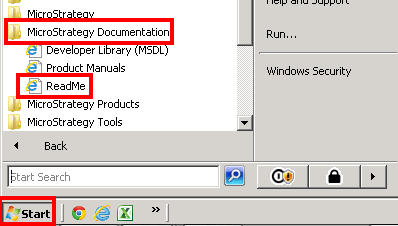
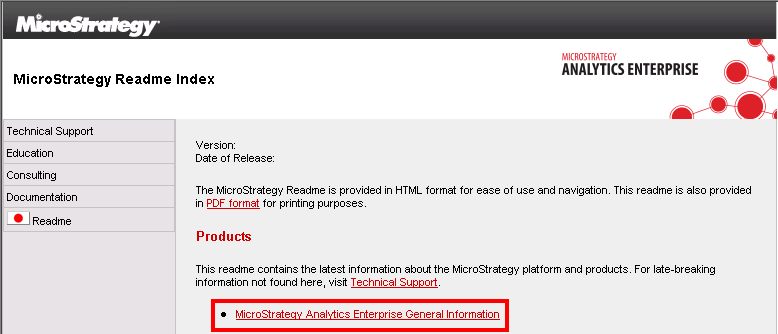
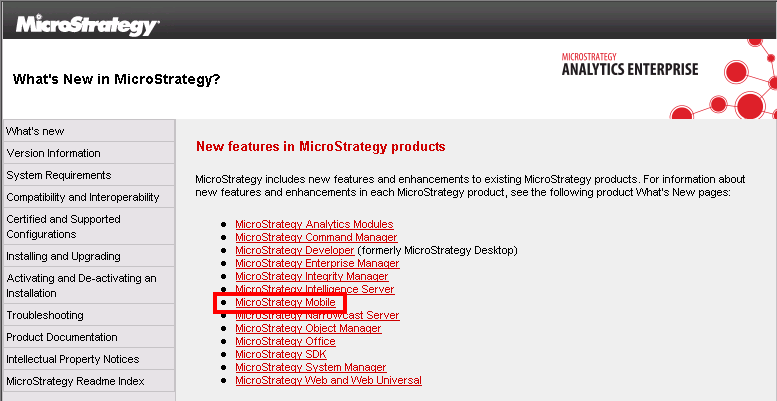
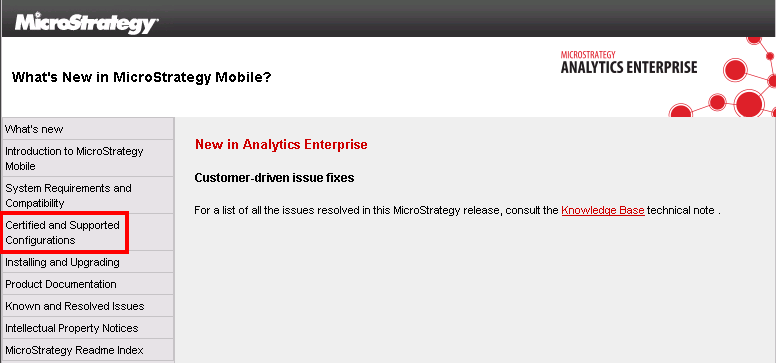
Check the Readme for your specific version, and verify if the configuration is listed with your various components and setup as either supported or certified.
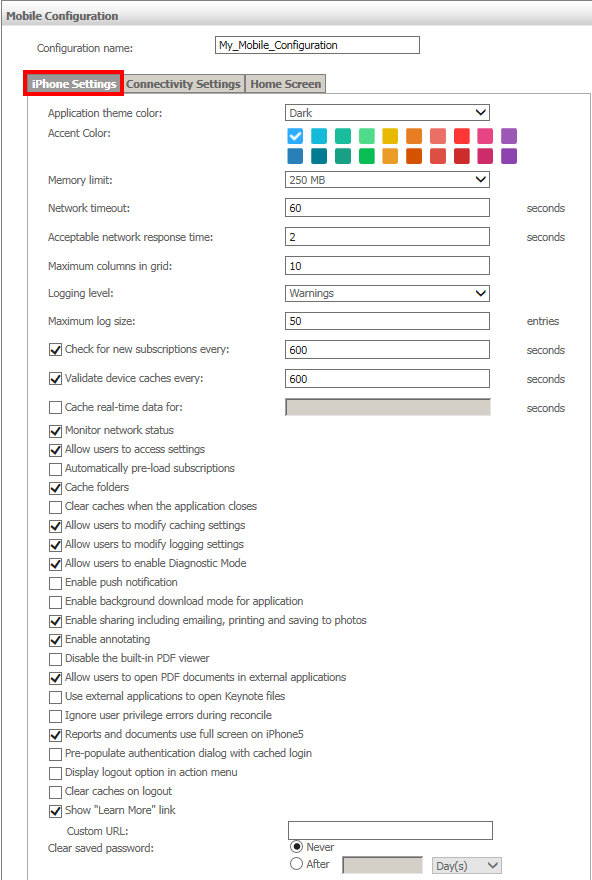
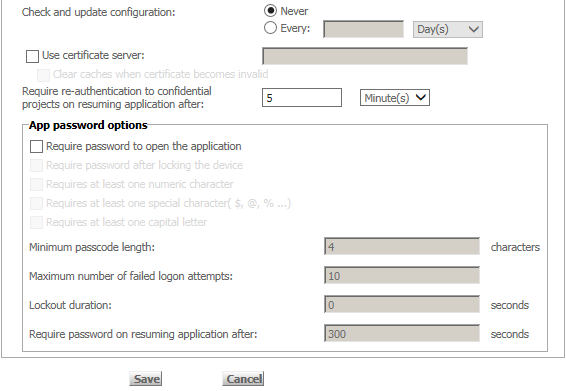
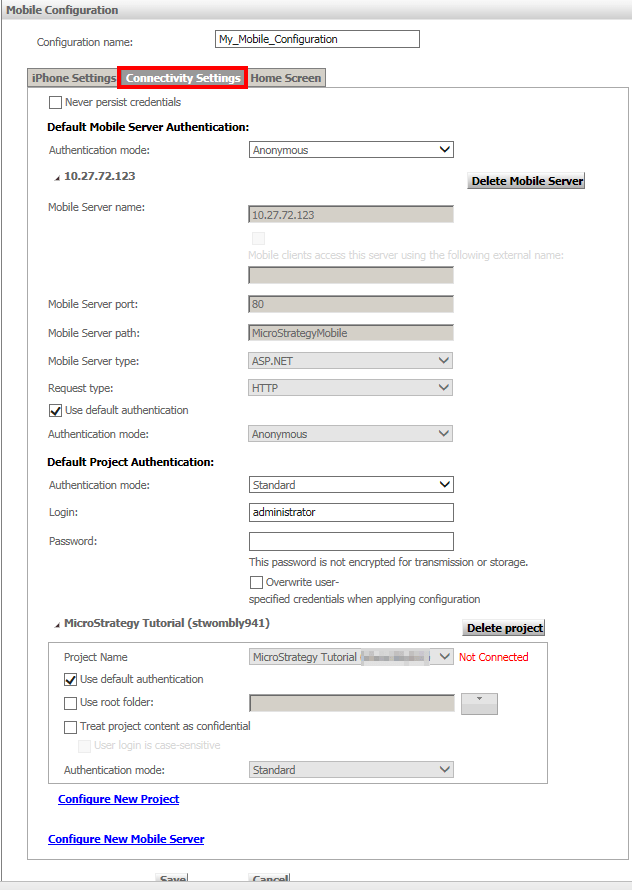
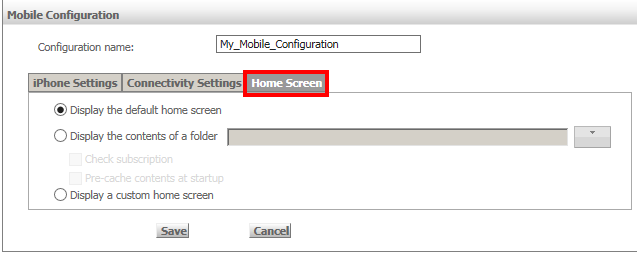
For issues more related to the mobile configuration defined for your tablets or phones, then the following may be helpful from the Mobile Administrator page:
If after all the steps above have been taken, the issue is proven to be Strategy-specific, and the issue is still unable to be resolved or worked around, then provide all the information you’ve collected to Strategy Technical Support. The description of the issue should be very specific based on the findings from the investigation, and should not be vague. For example:
Description | Judgment |
“Report X breaks in Mobile” | vague, non-specific, not very helpful |
“Custom formatting of a date using ‘dddd mm yyyy’ in Web displays incorrectly in Strategy Mobile 9.4.0” | detailed, specific, issue is immediately understood based on the description |
If all of the steps above have been followed, and all screenshots, logs, and details are provided to Strategy Technical Support, then this should result in much quicker times with narrowing down root cause and/or resolving a mobile issue. This is because all the information has been previously collected from the individual’s independent investigation and initially provided to Strategy Technical Support for troubleshooting assistance.
Additional Information
Apple’s 64-bit and iOS 8 Requirements for New Apps
https://developer.apple.com/news/?id=10202014a
KB199366: Best practices to design or utilize mobile dashboards in offline mode in Strategy Mobile 9.4.1.
http://community.microstrategy.com/t5/Mobile/KB199366-Best-practices-to-design-or-utilize-mobile-dashboards/ta-p/199366
